TruCMS/Booking
Built into every install
Appointments, classes and events. Booked on your site.
Booking adds online scheduling to any TruCMS site: services and specialists, packages and events, deposits and invoices, a staff cabinet and a customer cabinet, calendar sync and QR check-in. Every booking page comes in 5 designs and follows your theme.


For your customers
From browsing to booked in four screens.
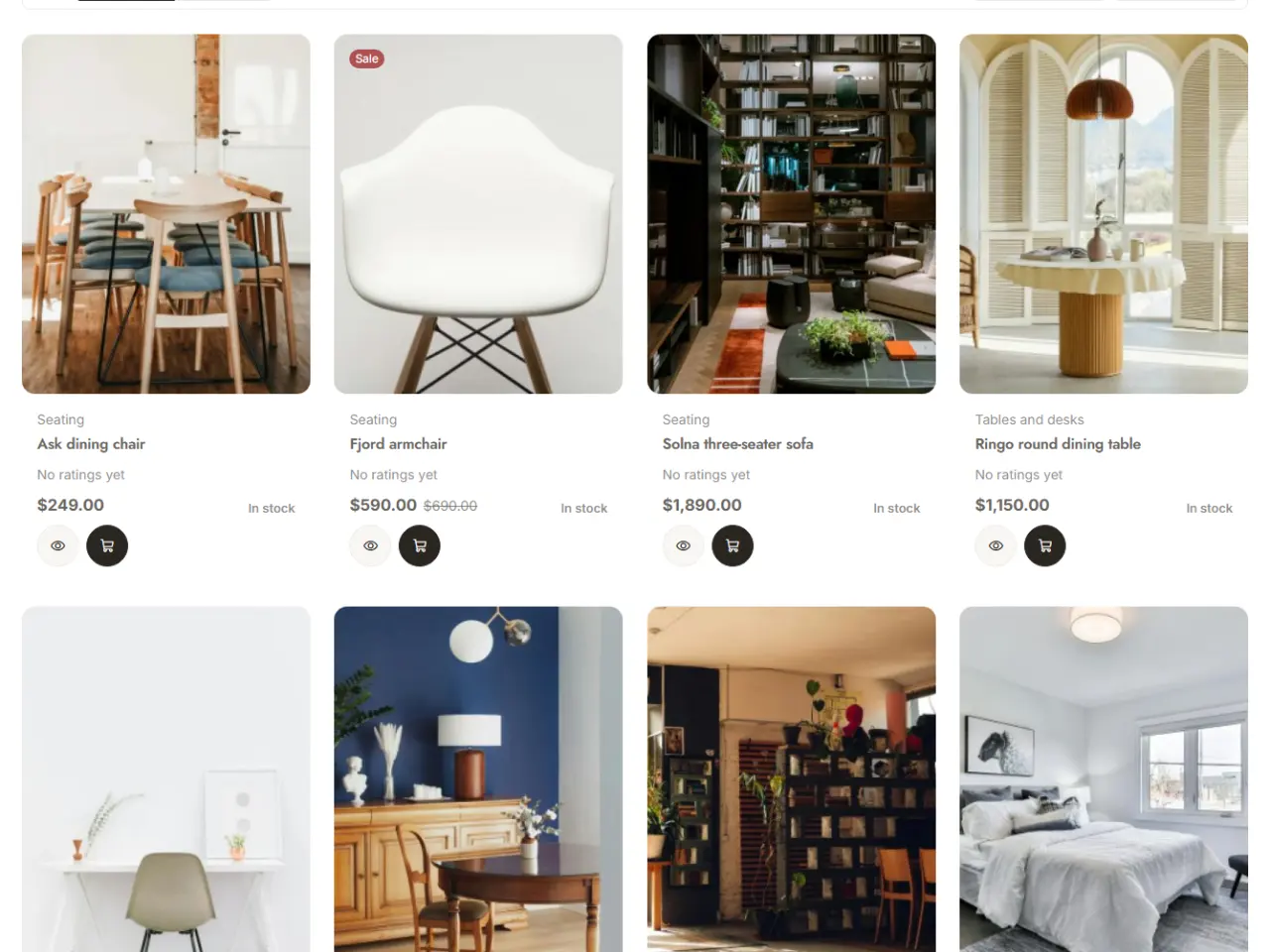
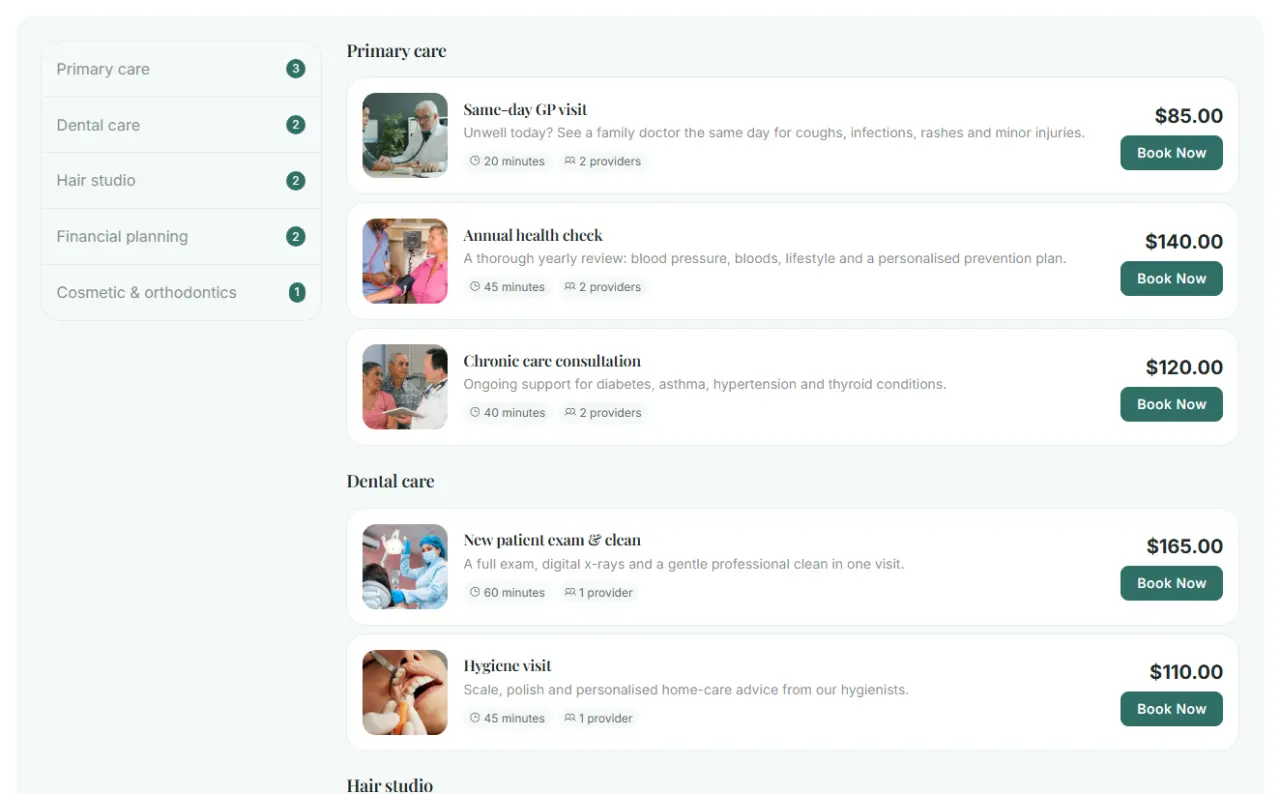
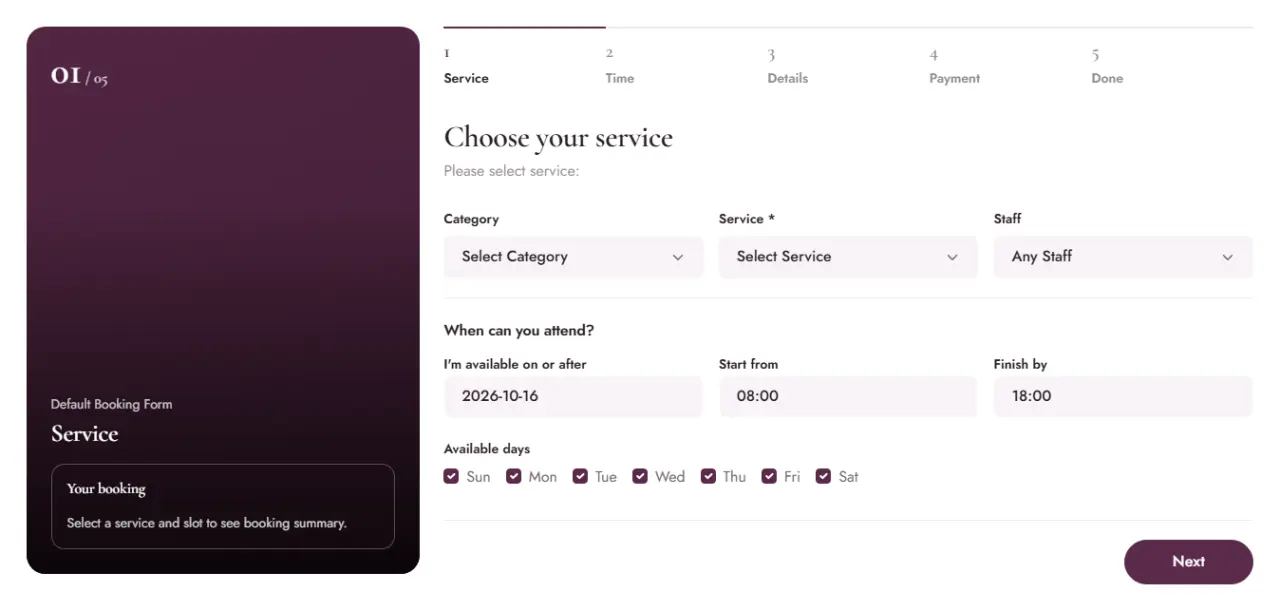
- Choose a serviceServices with photos, prices and durations, grouped by category and searchable.
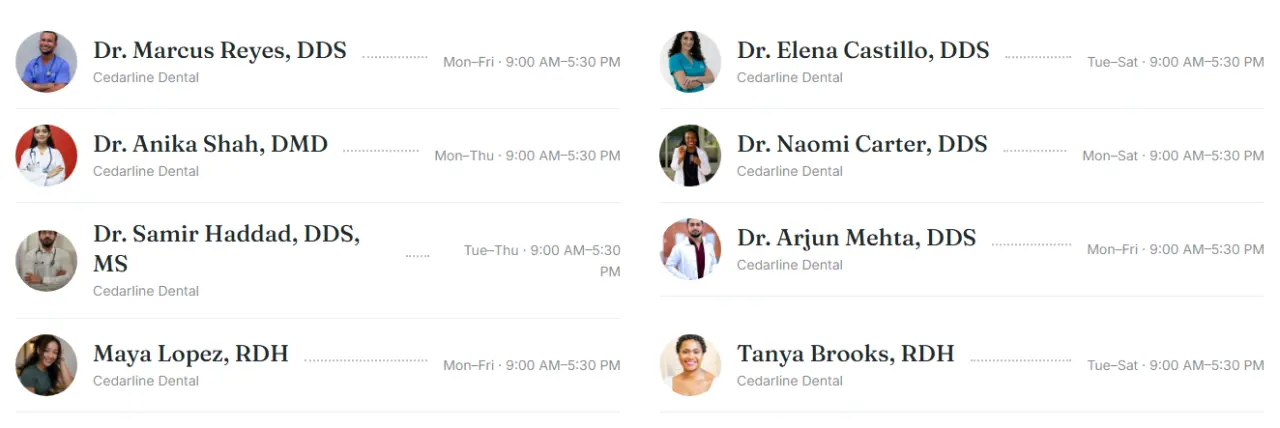
- Pick a specialistEach specialist's profile, services and ratings, or "anyone available".
- Book and payPick a time, add extras and custom details, then pay in full or a deposit.
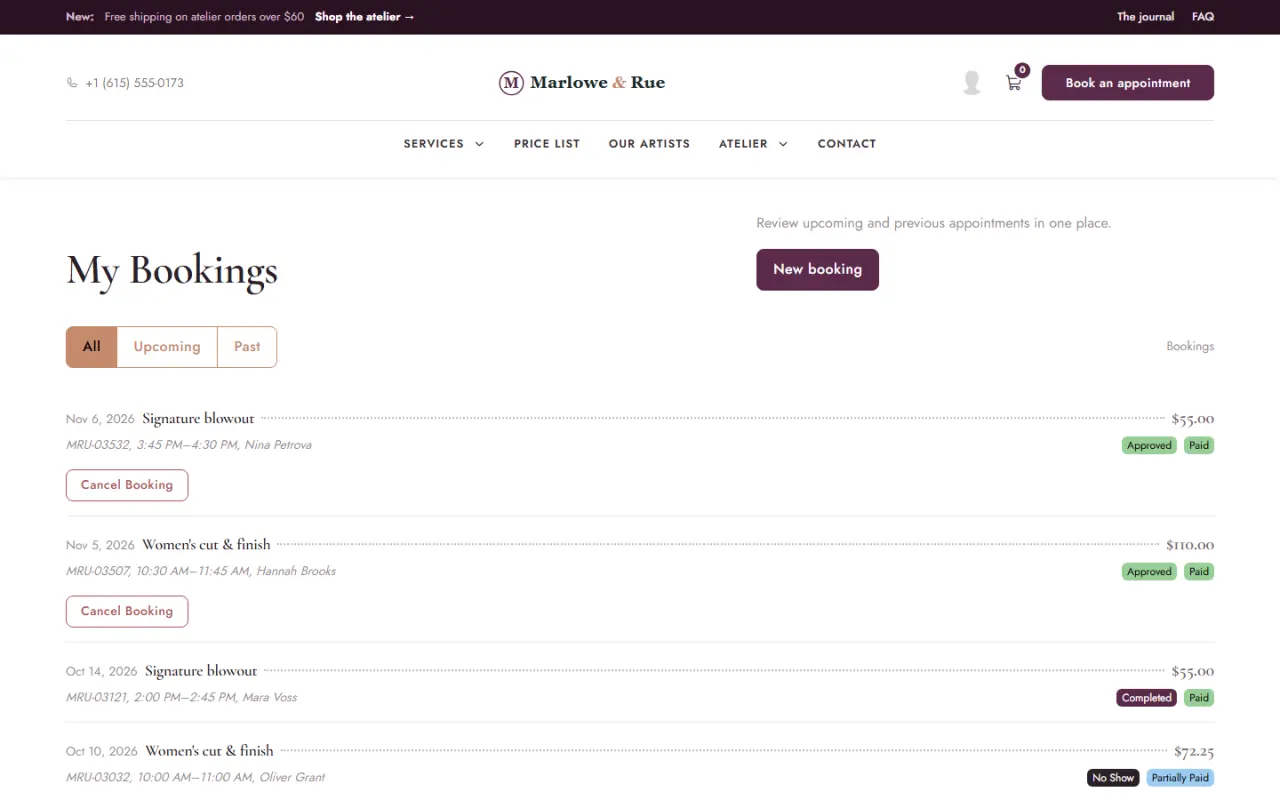
- Manage it laterUpcoming and past bookings, payments and invoices in the customer cabinet.
Designs
5 designs for every booking page.
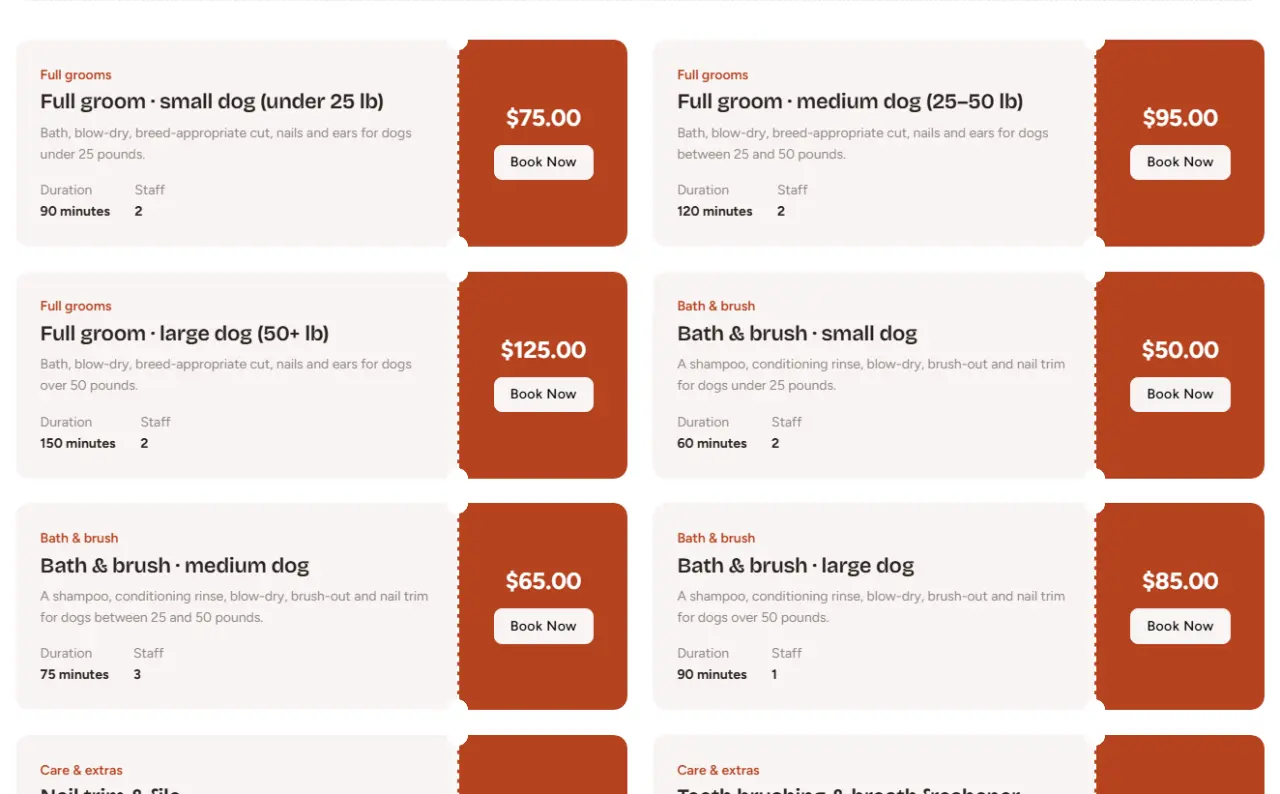
Photo, list, split, schedule and ticket. Choose one in the booking settings; it takes your theme's colours and fonts.
For your team
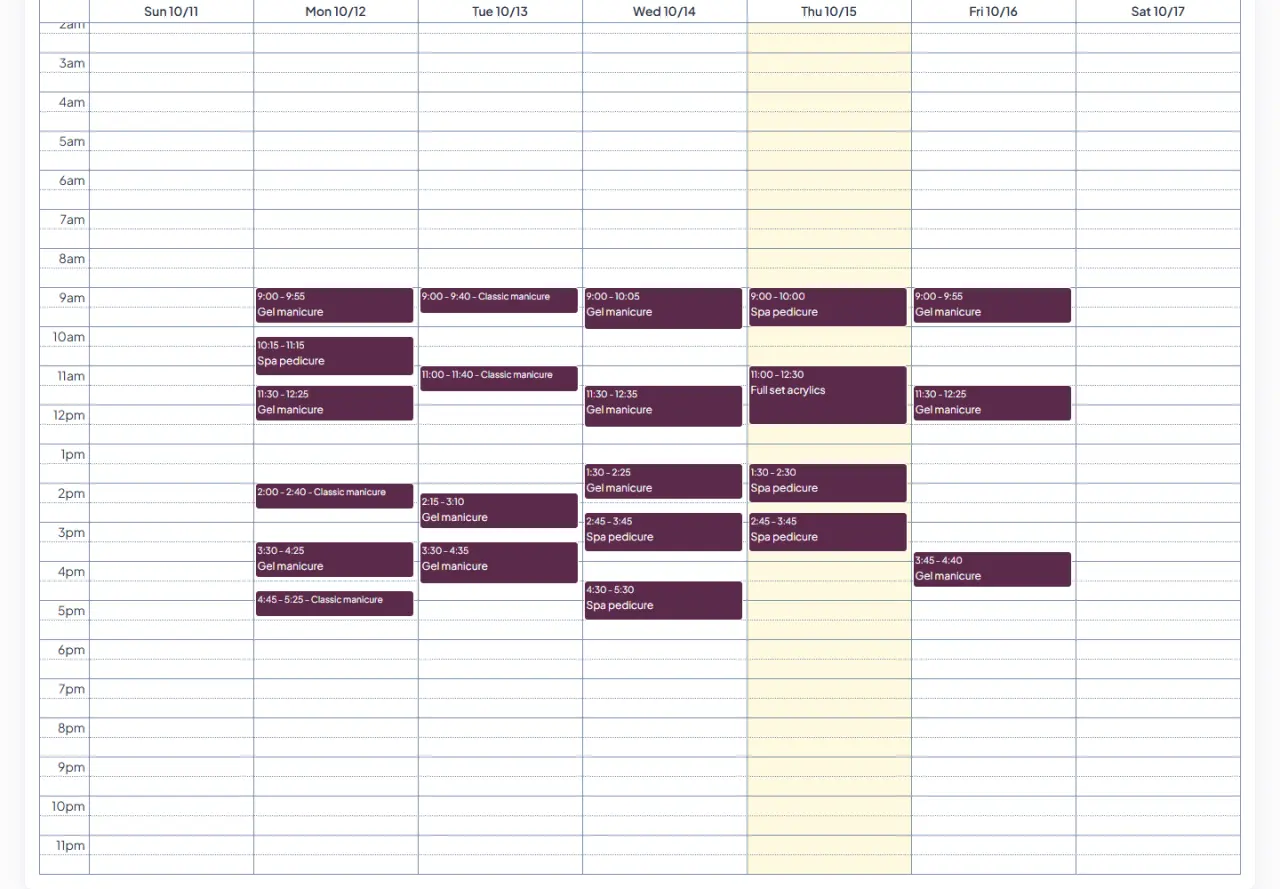
Run the day from one calendar.
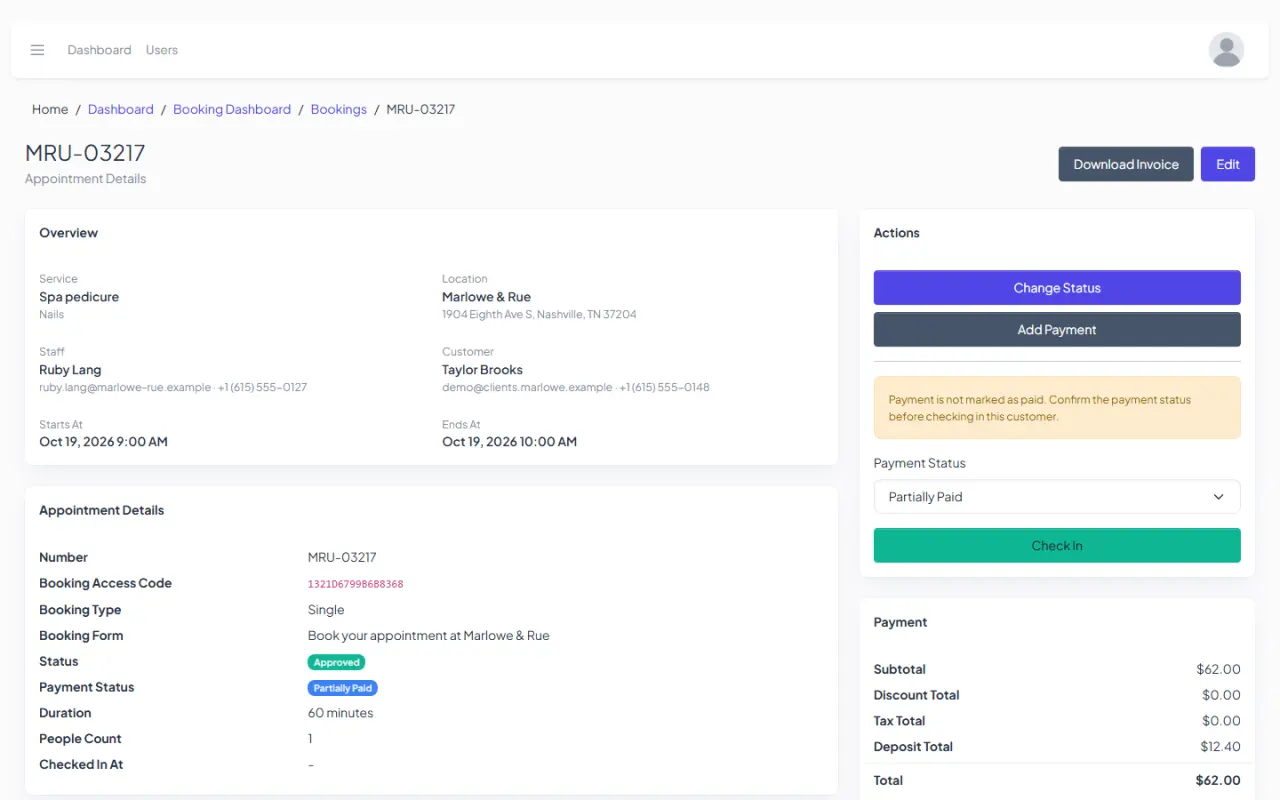
Every booking lands in the team calendar and on the specialist's own calendar. Open one to see the customer, the payment, the check-in and the invoice.
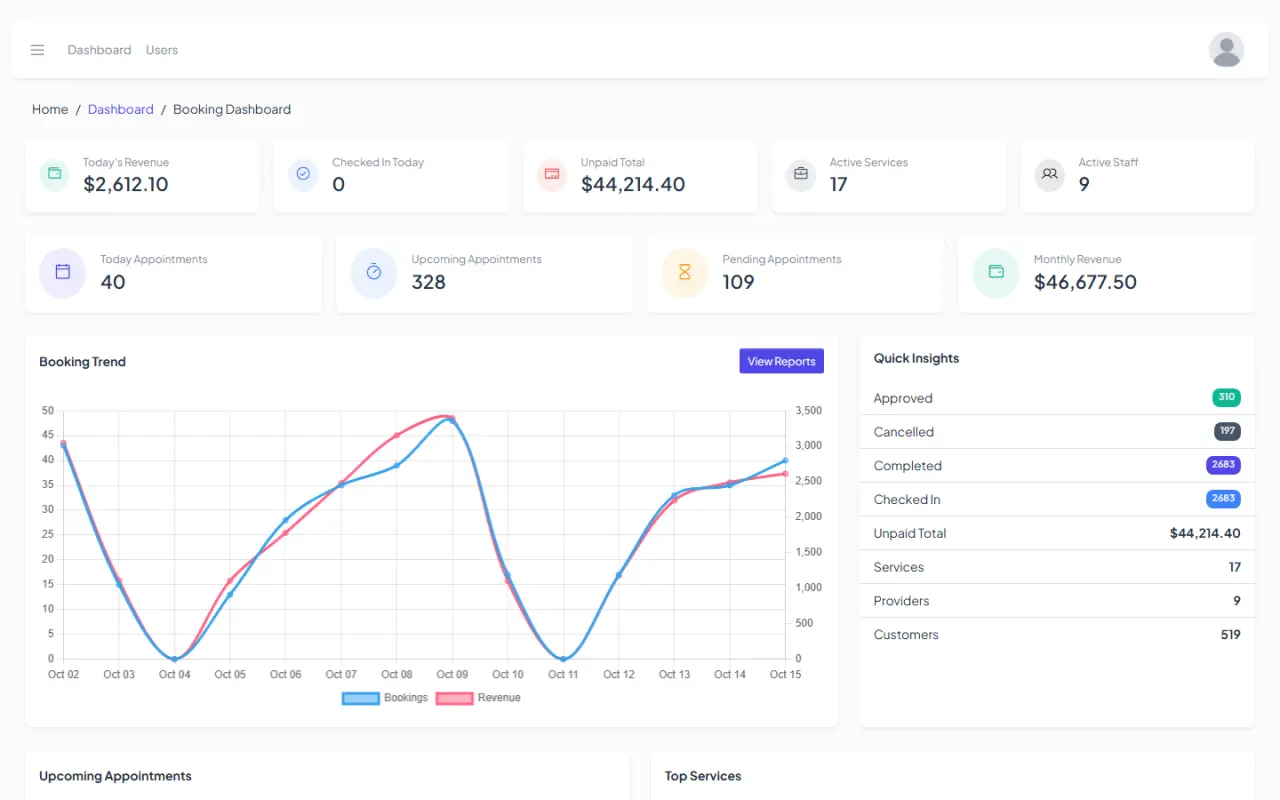
The numbers, at a glance.
- A dashboard with upcoming appointments, top services and unpaid totals
- Booking reports for any date range, with CSV export
- Import and export appointments, services, customers and specialists
- Roles and permissions for front desk, specialists and managers
Everything in Booking
The add-ons other booking plugins sell, built in.
No extra licences and no separate updates. Booking ships with TruCMS and updates with it.
- Recurring bookingBook a series of repeat visits in one go.
- Group bookingCustomers bring more people to one appointment, up to the capacity you set.
- Chain bookingSeveral services back to back in one checkout.
- Compound and collaborative servicesA service in several parts, or one that needs more than one specialist.
- Packages and service extrasBundles of sessions, and optional extras with their own price.
- Custom fieldsAsk for the details you need on the booking form.
- EventsClasses and events with a date, a capacity and a price.
- Working hours per specialistEach specialist has their own schedule.
- Special days and time offDifferent hours for one date, holidays and days off.
- LocationsOffer services and specialists at more than one location.
- Waiting listWhen a time is full, customers join the waiting list.
- Custom statusesAdd your own booking statuses.
- Booking formsCreate more than one booking form.
- Deposits or full paymentTake part of the price up front, or all of it.
- Every TruPayments gatewayStripe, PayPal, Mollie, Braintree, bank transfer or pay in person.
- Coupons and customer groupsDiscount codes, and group discounts for members or regulars.
- Taxes and invoicesTax rates, and an invoice for every booking.
- Refund requestsCustomers ask for a refund; you approve or decline it under your refund policy.
- Customer cabinetUpcoming and past bookings, payments and invoices, and cancellation.
- Staff cabinetEach specialist sees their own calendar and bookings.
- RatingsCustomers rate the visit afterwards.
- FilesAttach files to a booking.
- Google CalendarTwo-way sync for each specialist's calendar.
- Outlook CalendarBookings are added to Outlook calendars.
- Add-to-calendar linksGoogle, Outlook and ICS links for customers.
- Zoom and Google MeetOnline meetings attached to bookings.
- MailchimpAdd customers to your mailing list.
- Email and SMS templatesEdit every message customers and staff receive.
- QR check-inScan the customer's booking code at the front desk.
- ReportsBooking reports for any date range.
- Import and exportAppointments, services, customers and specialists as CSV.
What it replaces
Get TruCMS
Take bookings
on your own site.
Booking comes with every TruCMS licence, together with the website builder, TruCommerce and TruPayments.