
Self-hosted website platform
Build the site. Take bookings. Run the shop. One install.
TruCMS puts a visual website builder, appointment booking, an online store with in-store POS, and payments behind one admin. Start from a ready-made website, pick a design for every page, translate it into any language, and keep it current with one-click updates.
See it as your business
Where TruCMS fits
One platform instead of 46 plugins and add-ons.
A typical business site is a CMS and a page builder, plus a booking plugin that needs a paid add-on for almost everything: recurring and group bookings, deposits, the staff and customer cabinets, calendar sync, SMS, invoices and more. Then a shop with its own add-ons, one payment add-on per gateway, and plugins for translation, SEO, caching and security. Each has its own updates, licence and support. TruCMS ships all of it as one product, designed, tested and updated together.
Each plugin has its own updates, licence and support. TruCMS ships all of it as one product.
The usual way: 46 plugins and add-onsThe TruCMS way: 1 install
Who it's for
How it fits together
A core you build on. Products you switch on.
- The coreEvery install: the page builder, the template library, website templates, themes, blog, menus and widgets, media, users and roles, languages, SEO, caching and updates.
- ProductsBooking and TruCommerce plug into the core. They share its pages, menus, users, languages and admin.
- TruPaymentsBoth products check out through one payment layer. Gateways are plugins you add when you need them.
- Your themeThe theme and its options sit on top. Change colours, fonts, headers and footers without touching anything underneath.
Website builder
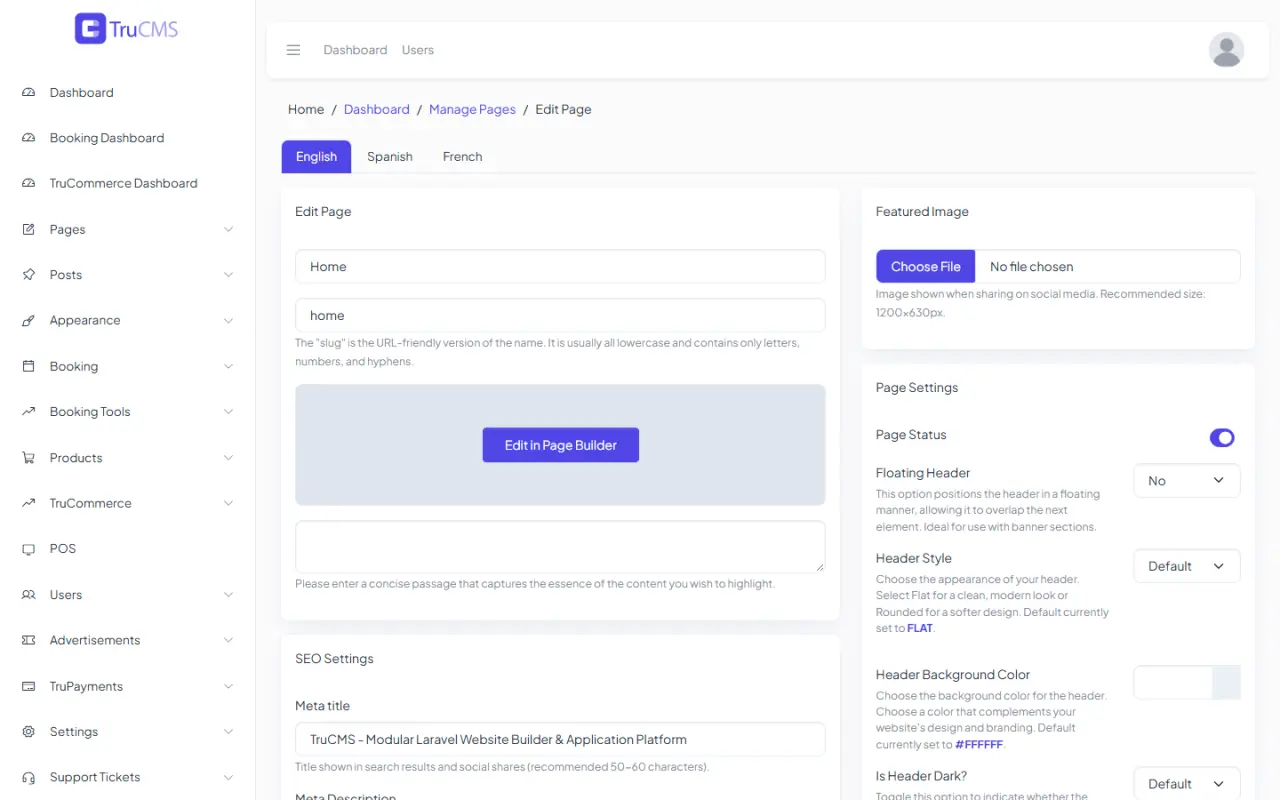
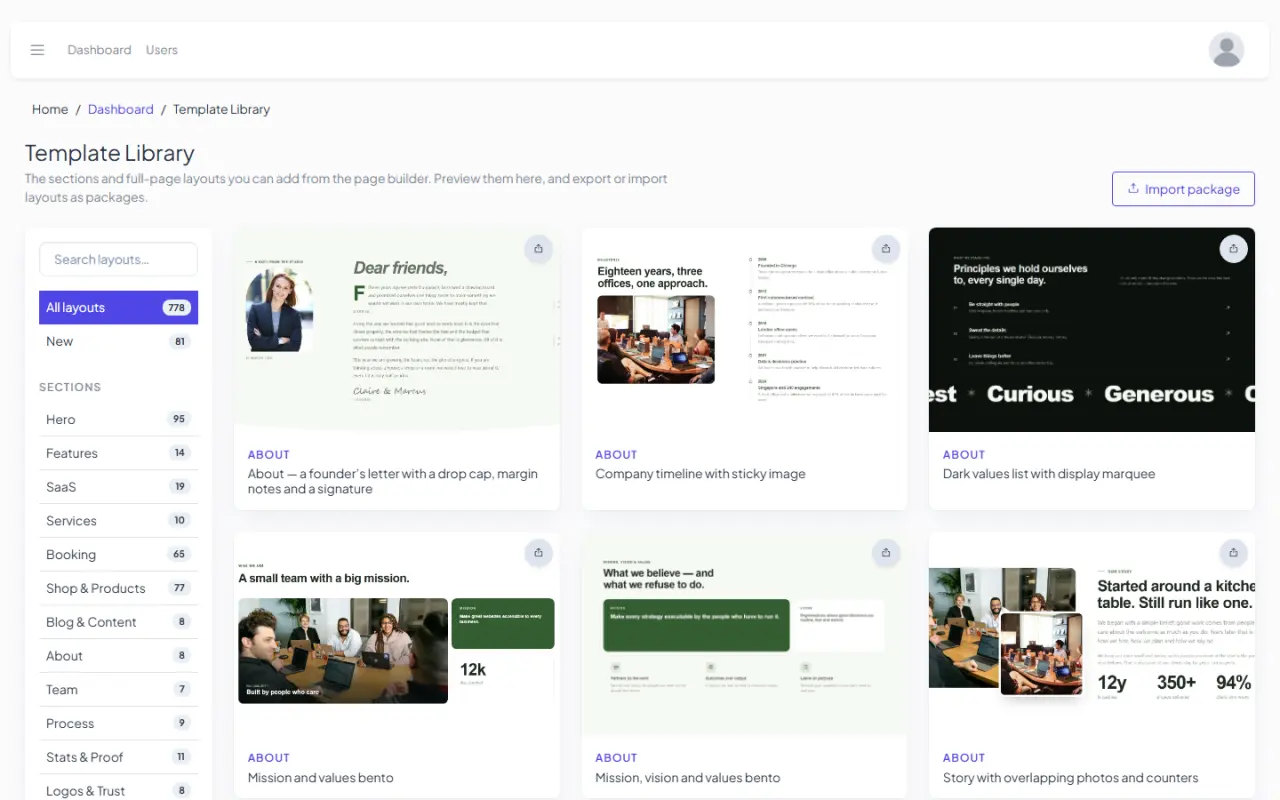
Build any page from the template library.
The visual page builder comes with a library of heroes, sections and full pages, including booking and shop pages. Insert one, then edit text, images, colours and layout right on the page.
in the library
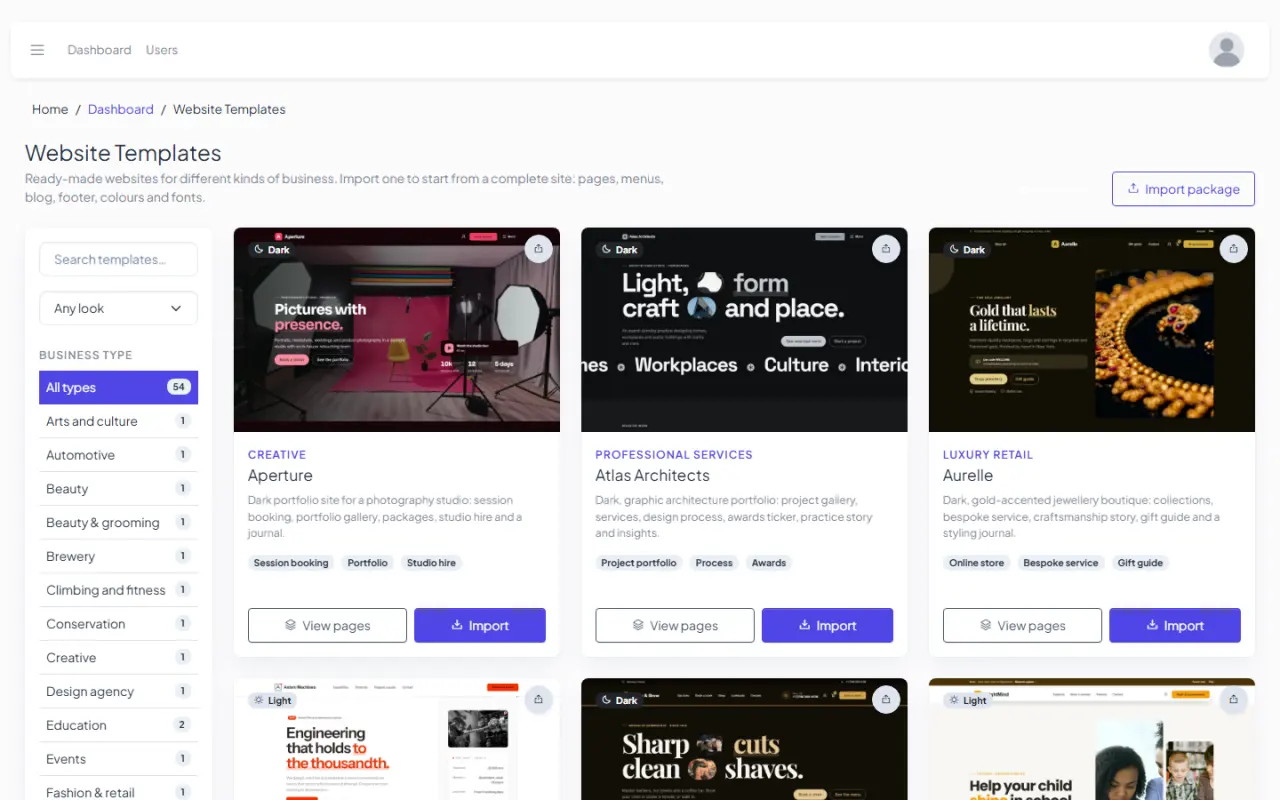
Want a whole site instead? The 0 website templates are separate: complete sites with their own pages, menus and content, imported in one step.
Design library
A design for every page. Mix them and make it yours.
Every booking page, shop page and checkout step comes in several designs. Pick one for each part in the settings and combine them with your theme options.
All of them, plus the account and order pages, are on the Booking and TruCommerce pages.
Theme system
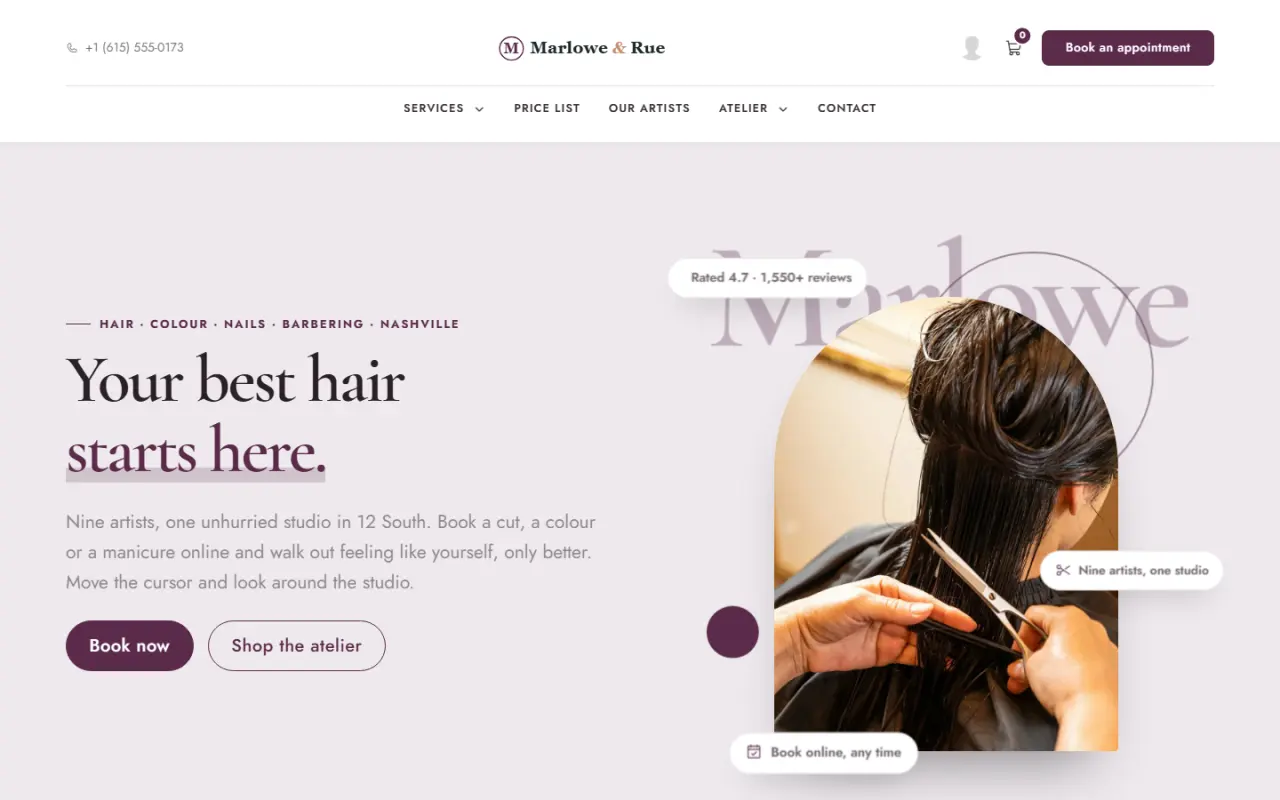
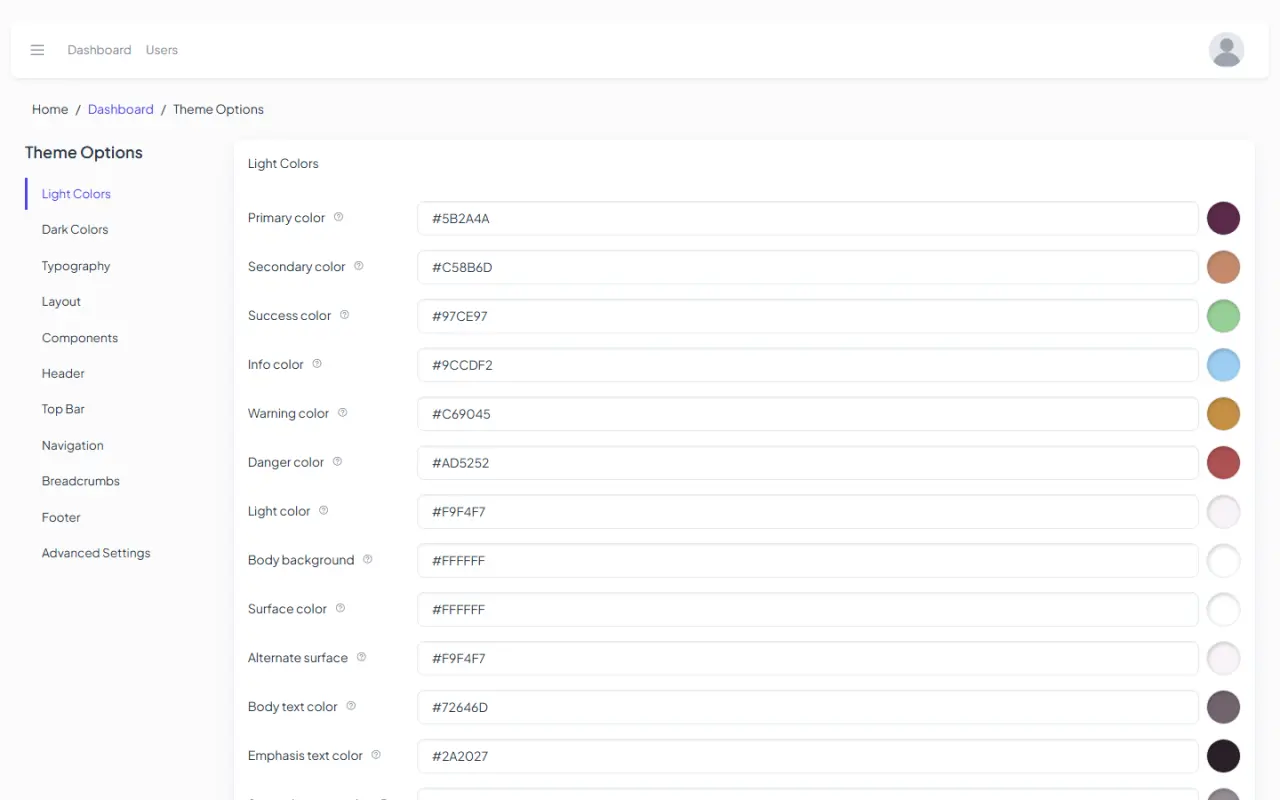
Your brand, set in theme options.
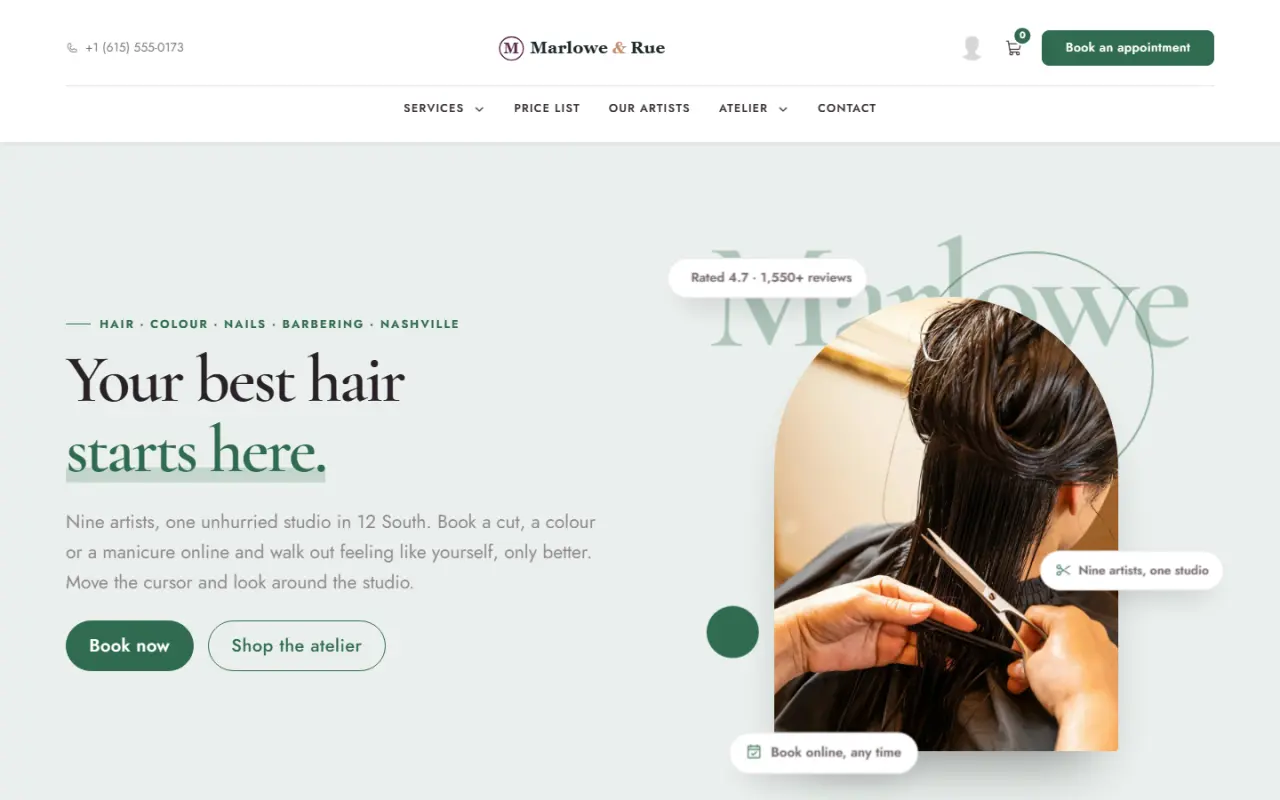
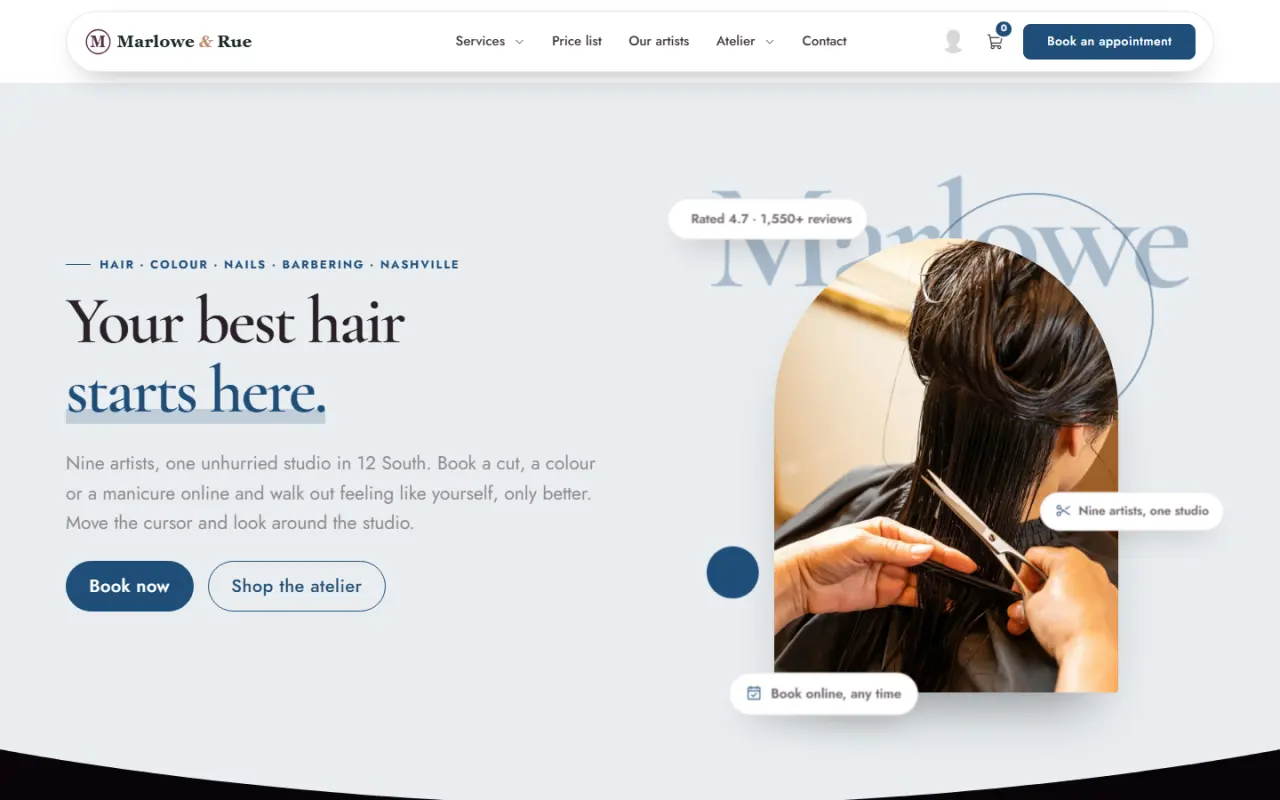
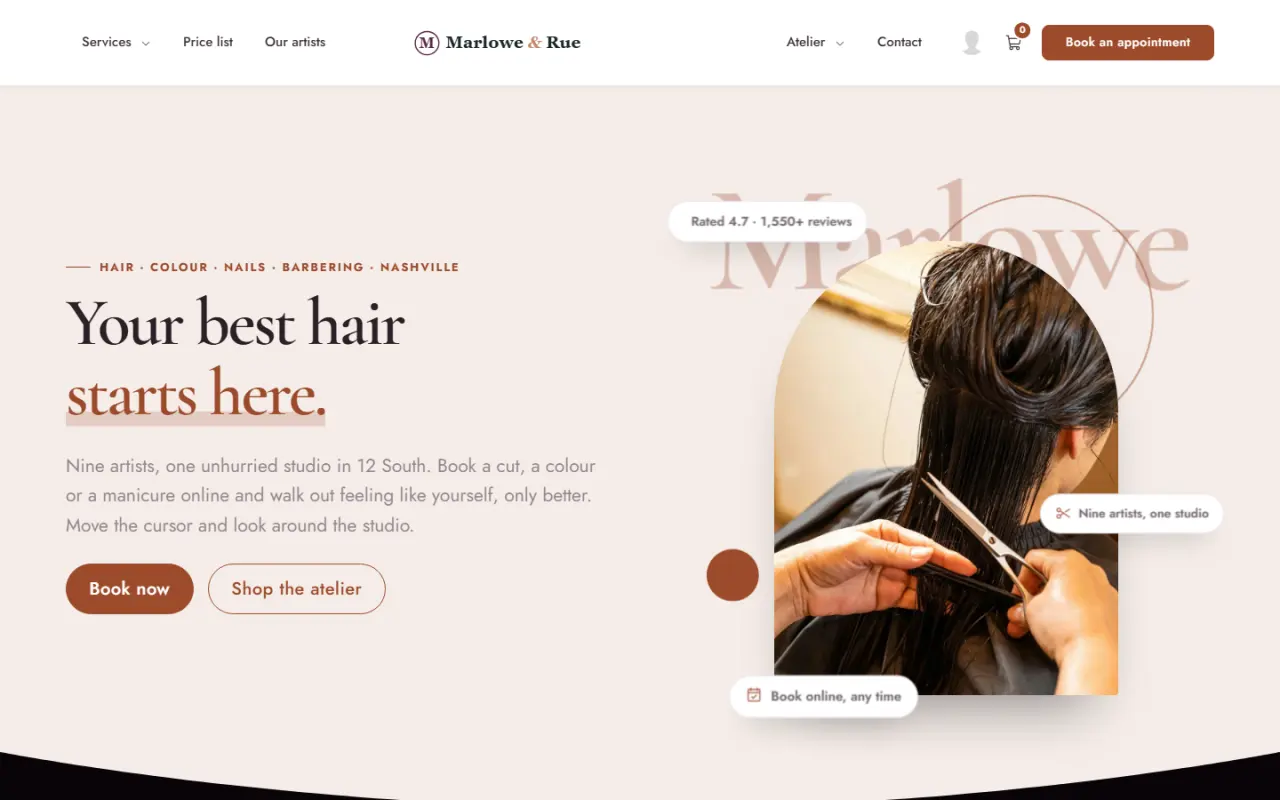
Colours, fonts, corner radius, header style and footer style all live in theme options. TruCMS compiles them into the site's stylesheet, so every page, booking screen and shop page follows your brand. Here is the same site with four different settings.
Booking
Appointments, handled.
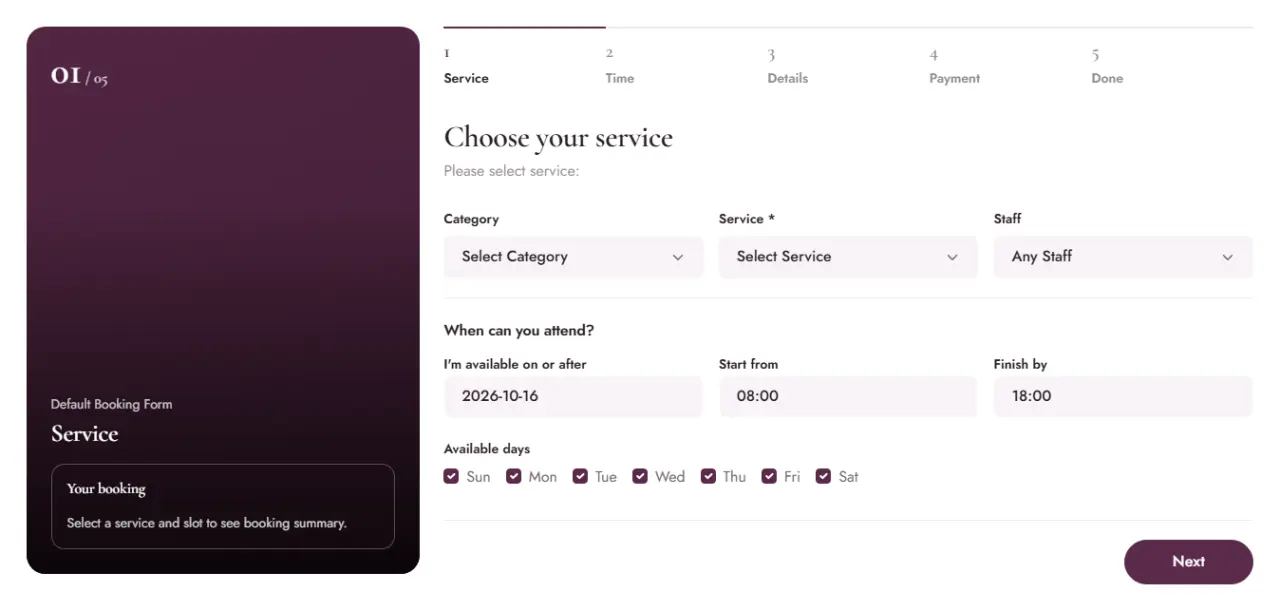
- Customers book onlineService, specialist, time and payment, in the booking-form design you choose.
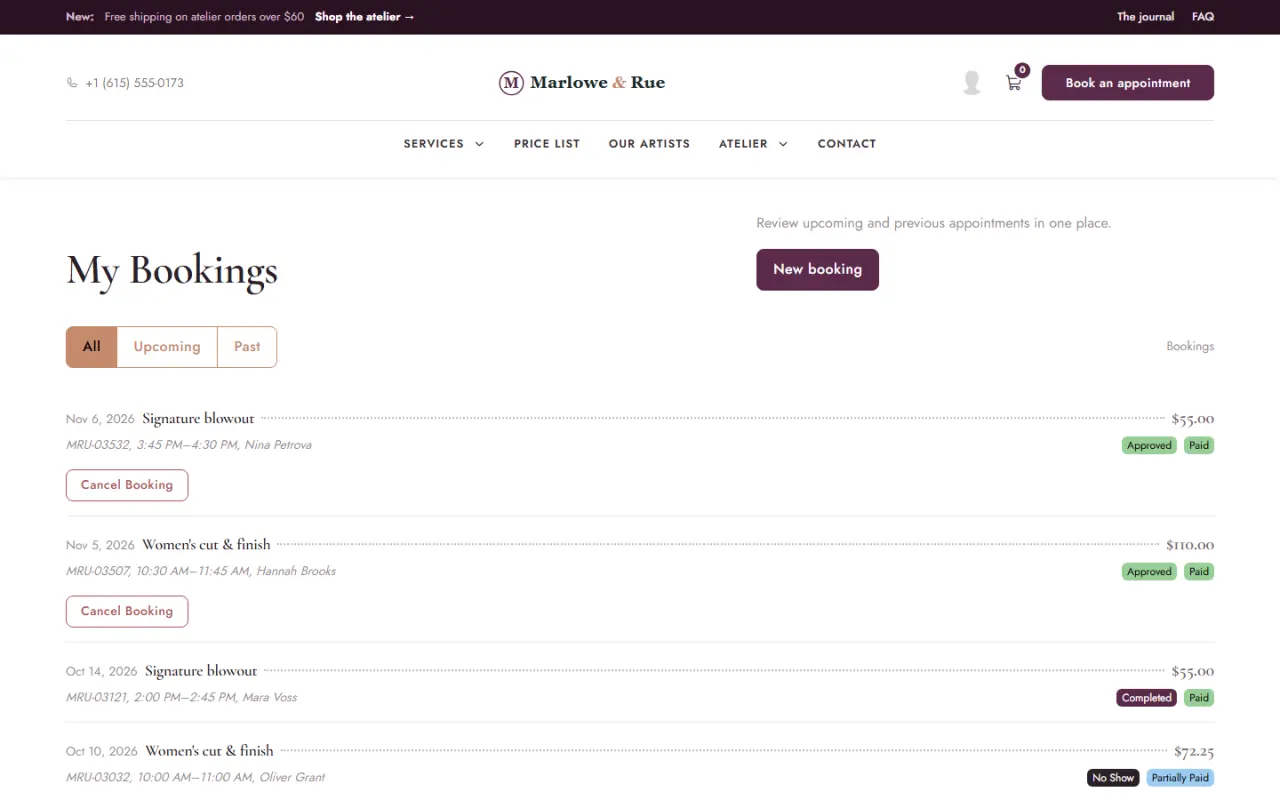
- Customers see their bookingsUpcoming visits and booking history in the customer's own account.
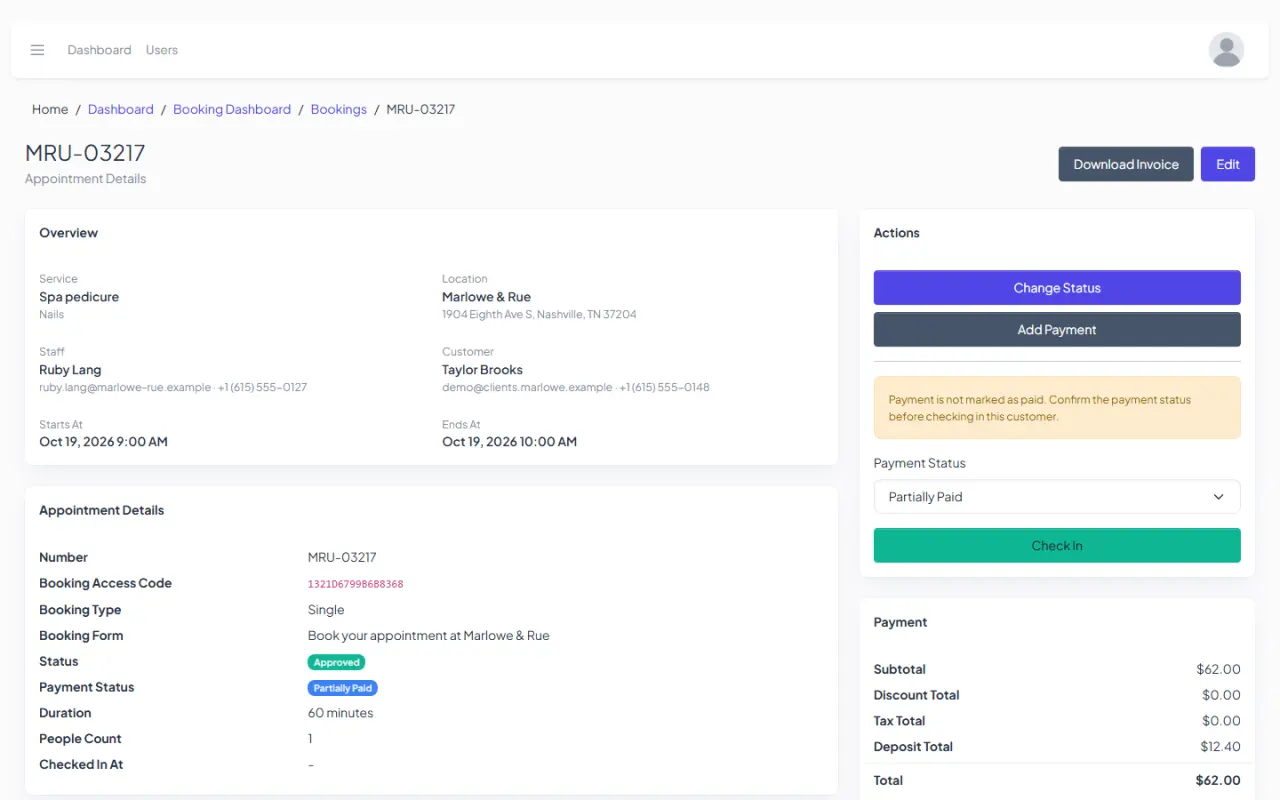
- Every booking in detailStatus, payment, check-in and the invoice on one screen.
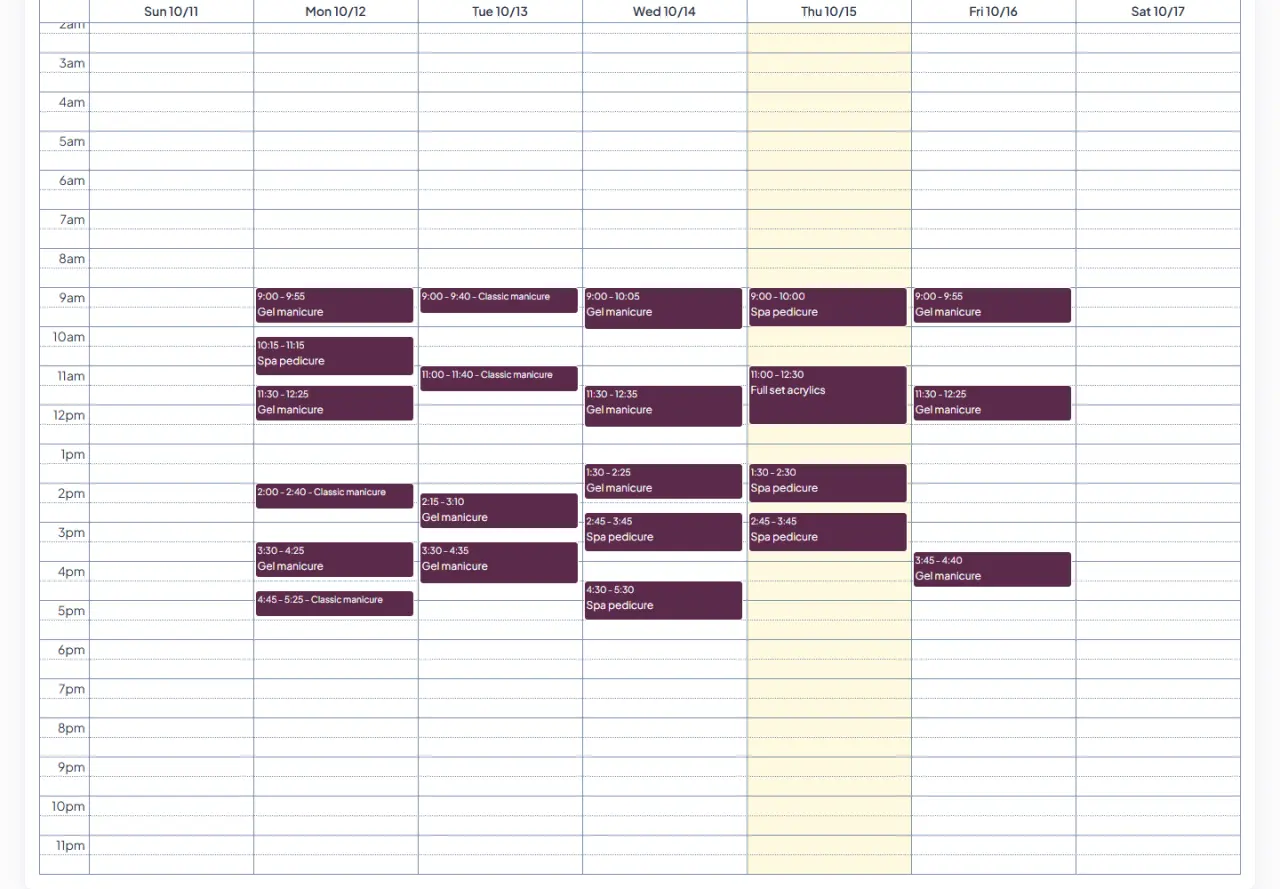
- The team's calendarFilter by specialist, switch between day, week and month, and sync with Google Calendar.
Also in Booking
TruCommerce
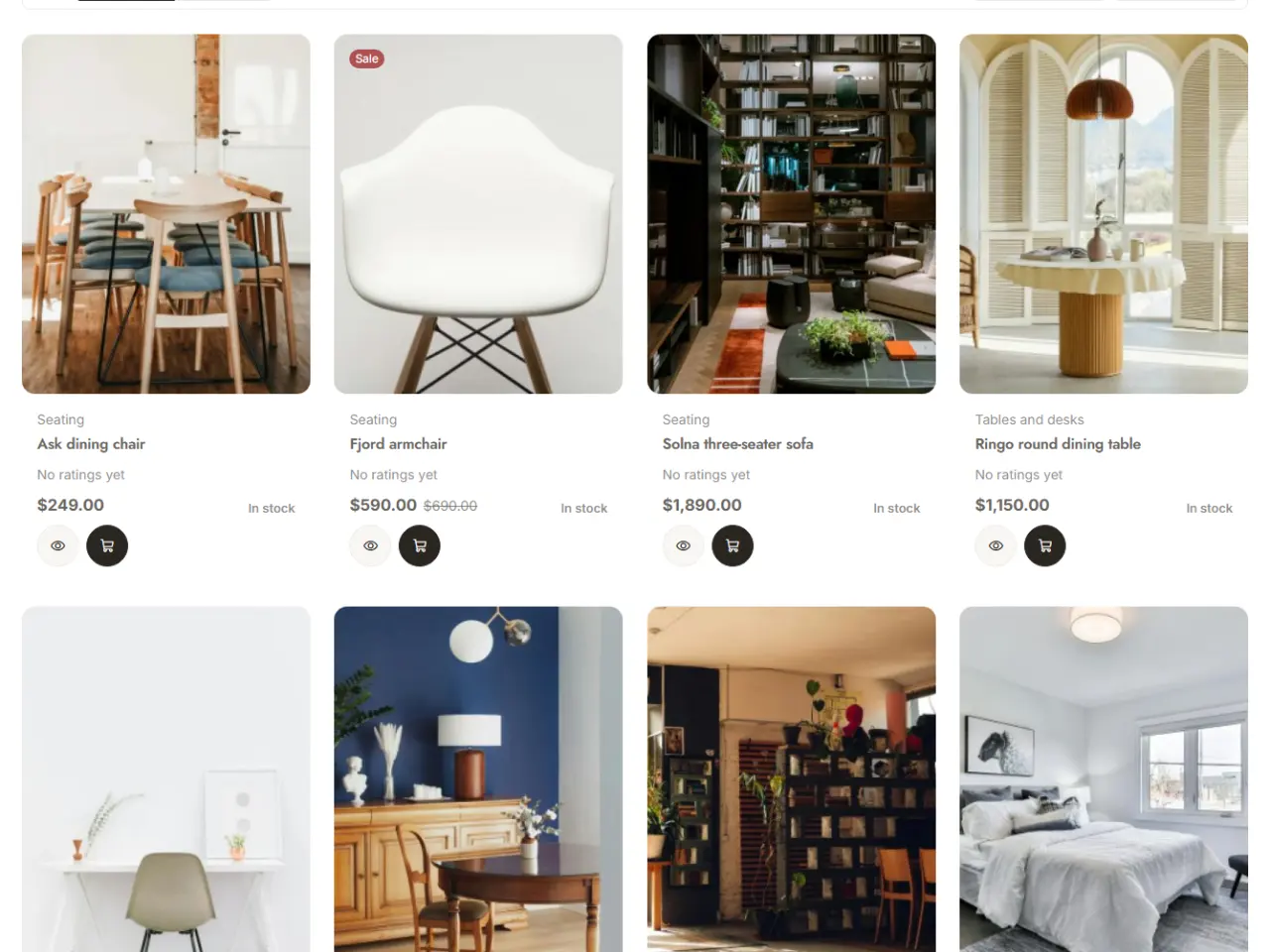
Sell online and over the counter.
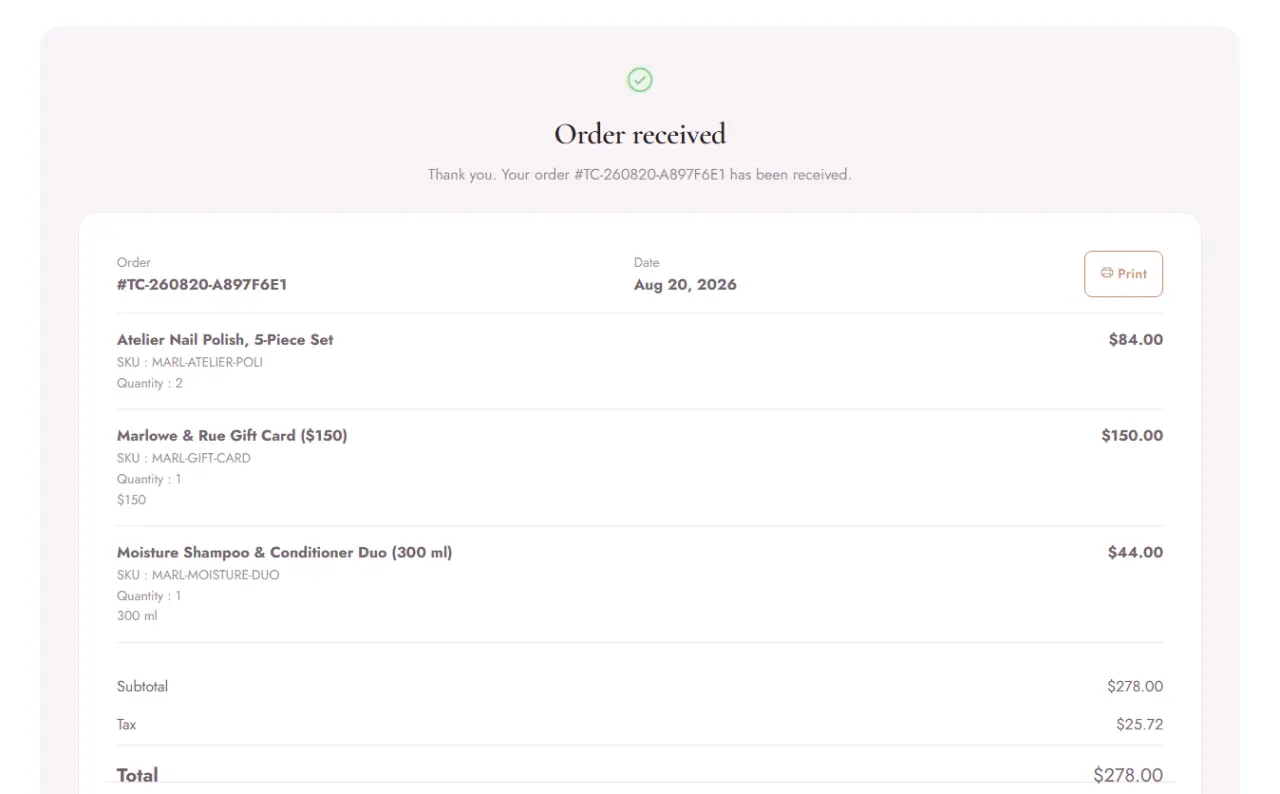
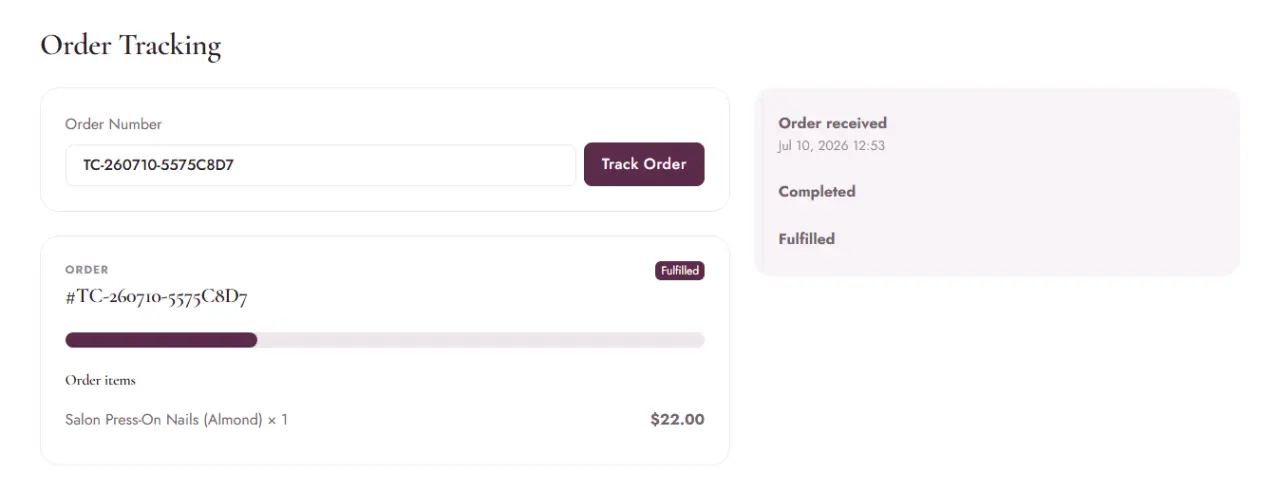
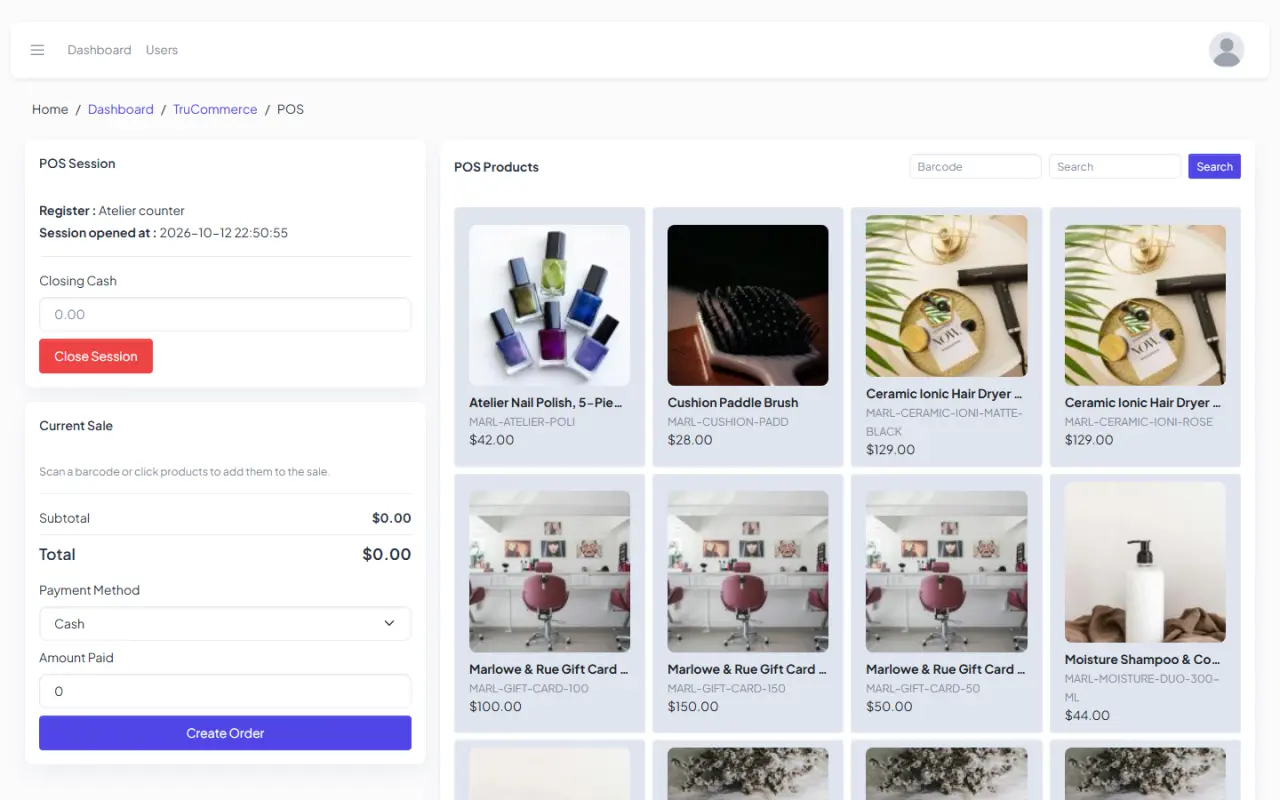
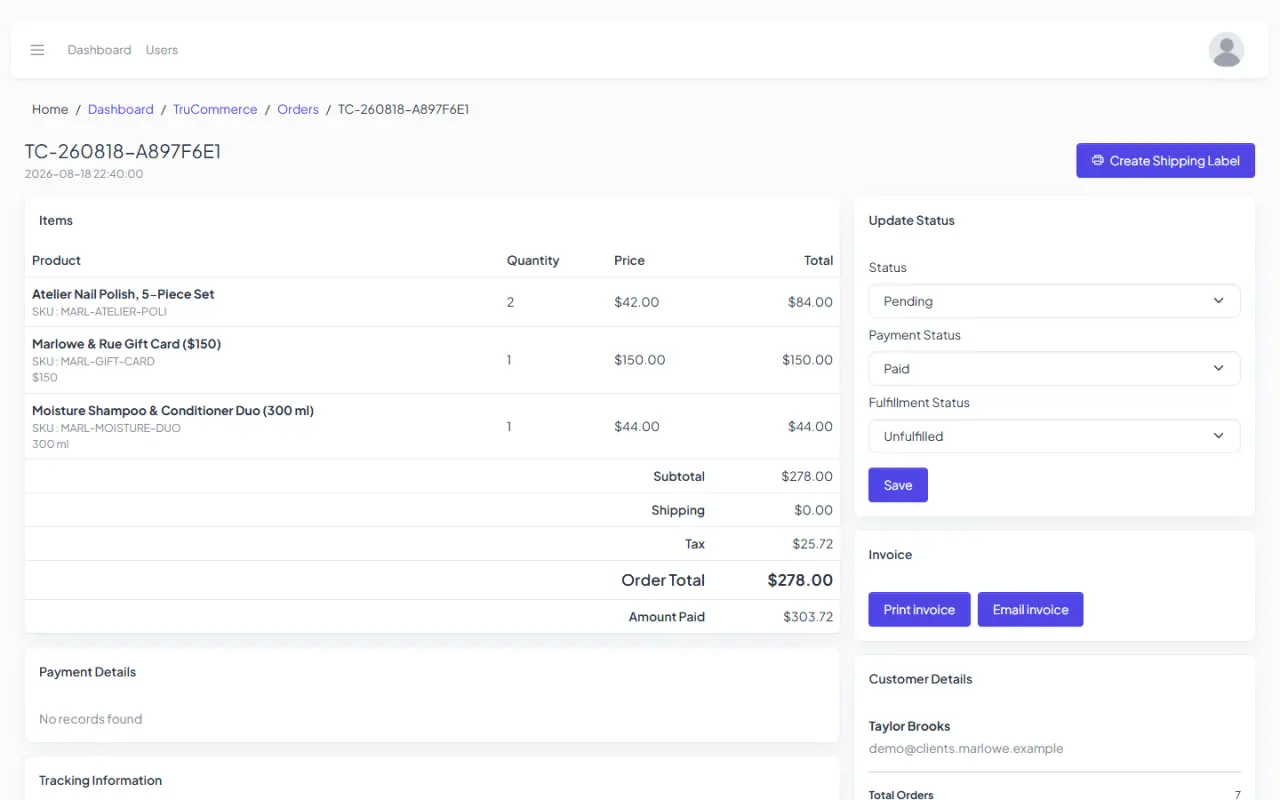
The storefront and the in-store POS share one catalogue and one order list. Scroll through a sale from the shop page to the order details.
Everything in TruCommerce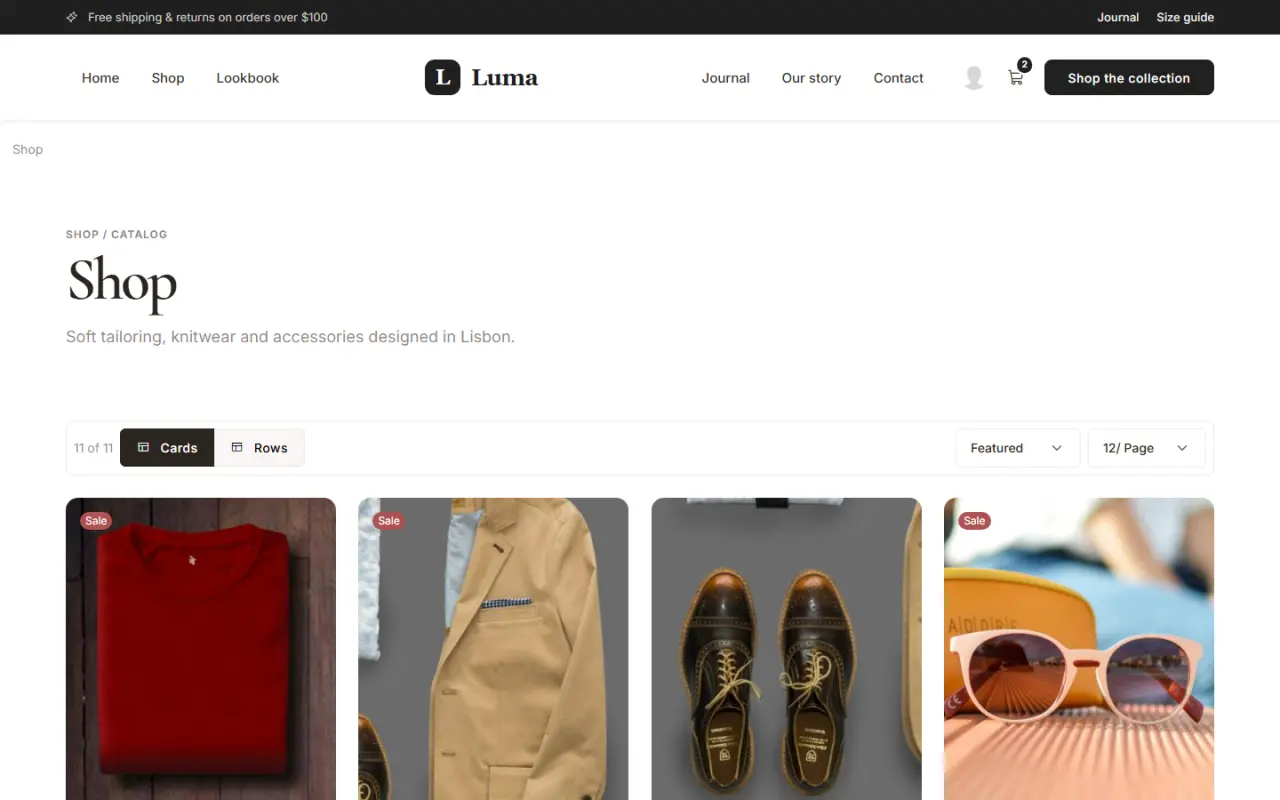
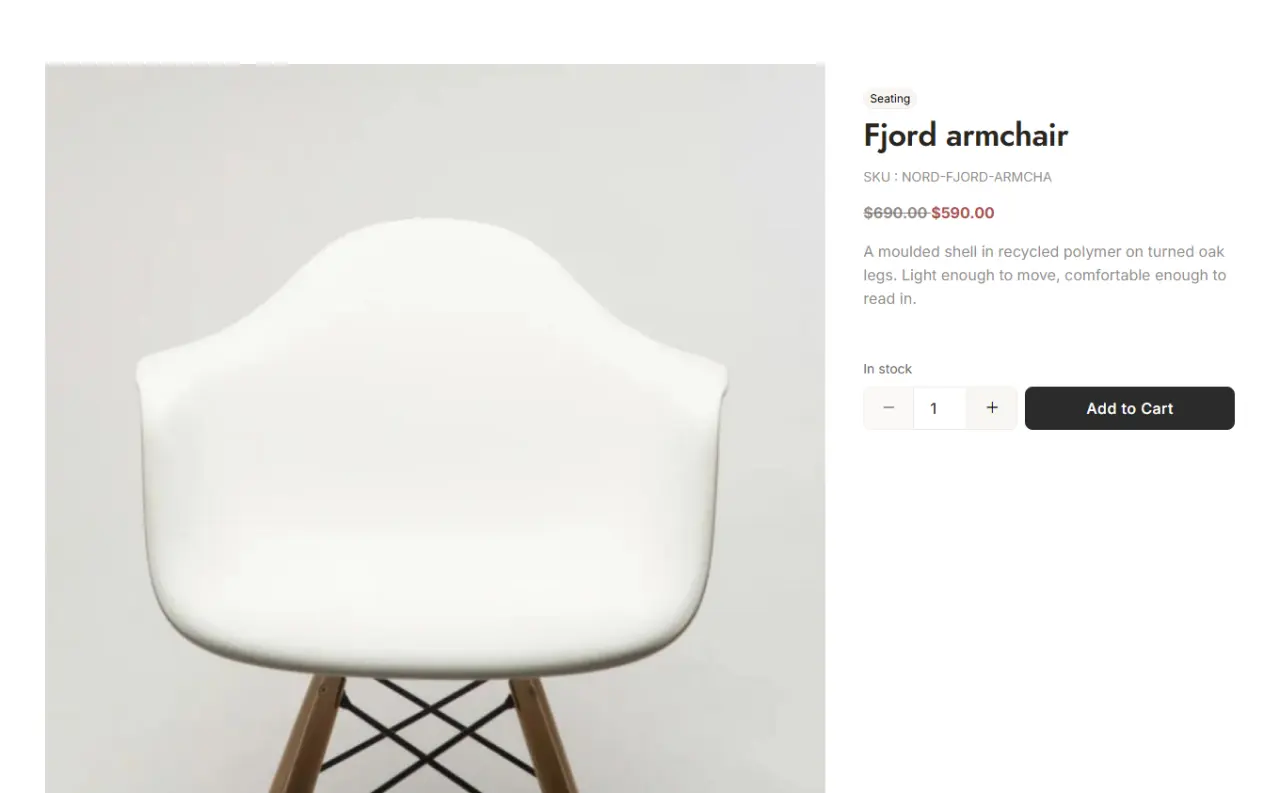
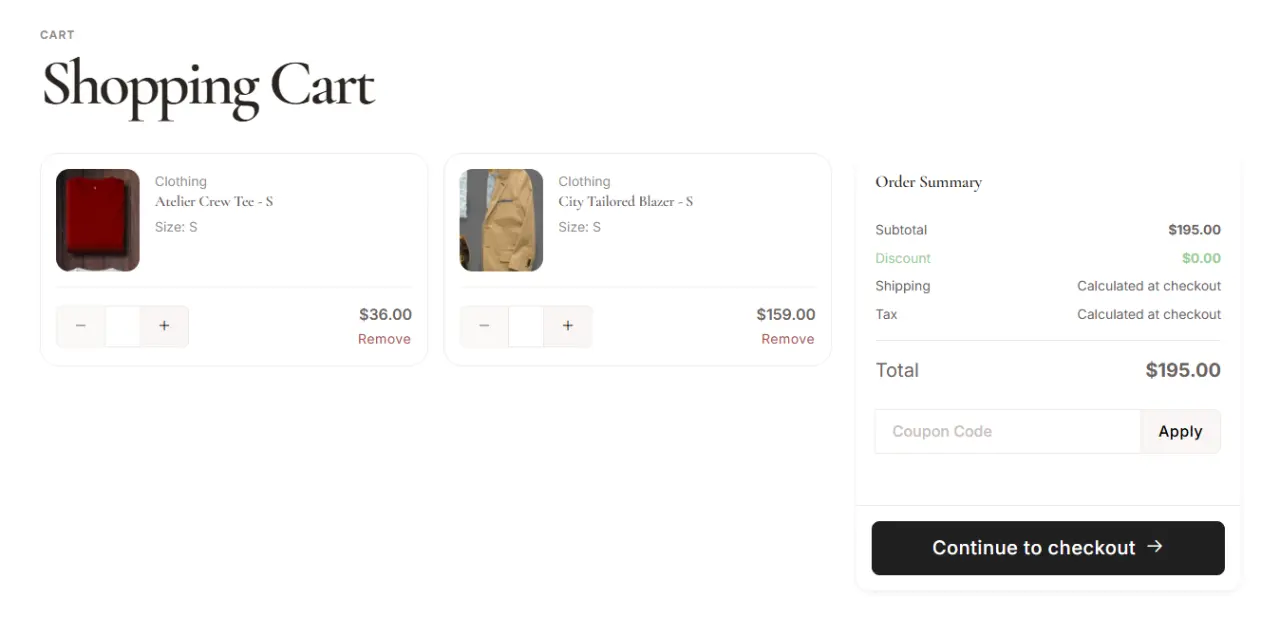
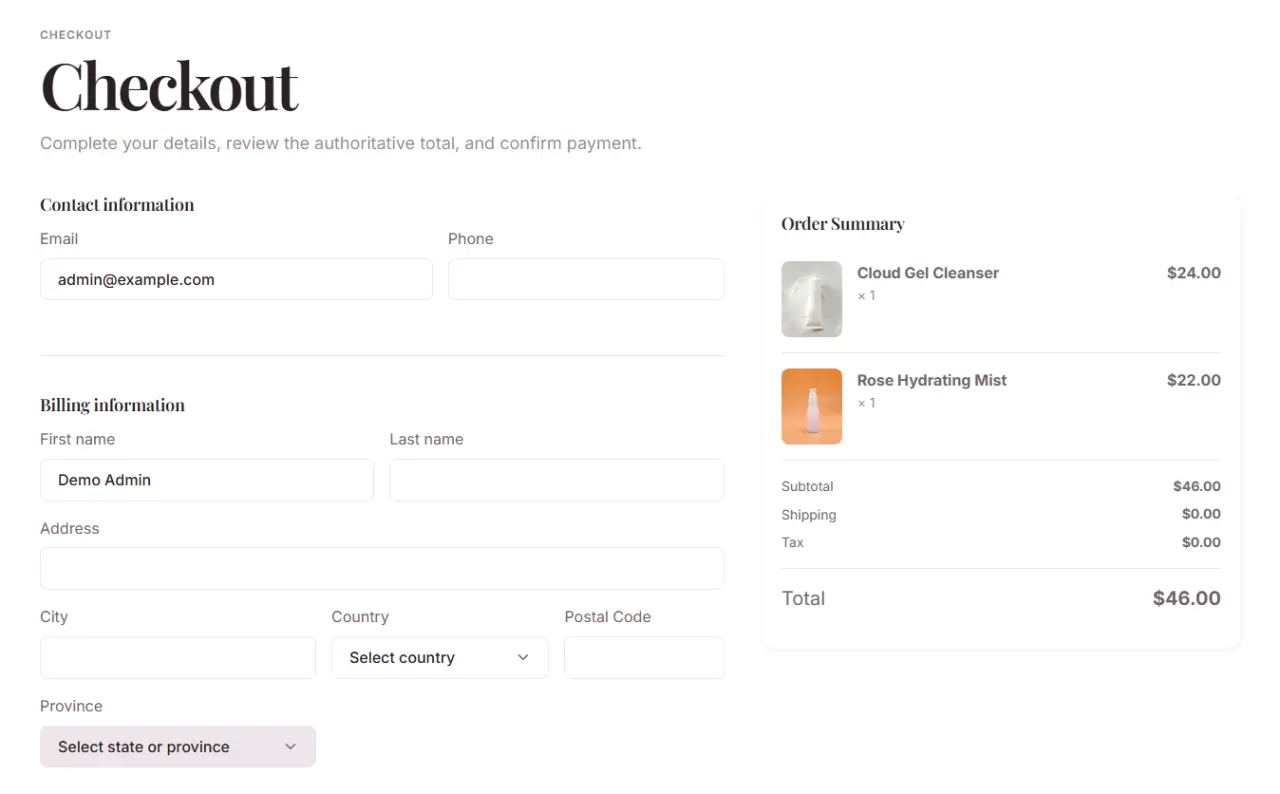
Also in TruCommerce
Built in · TruPayments
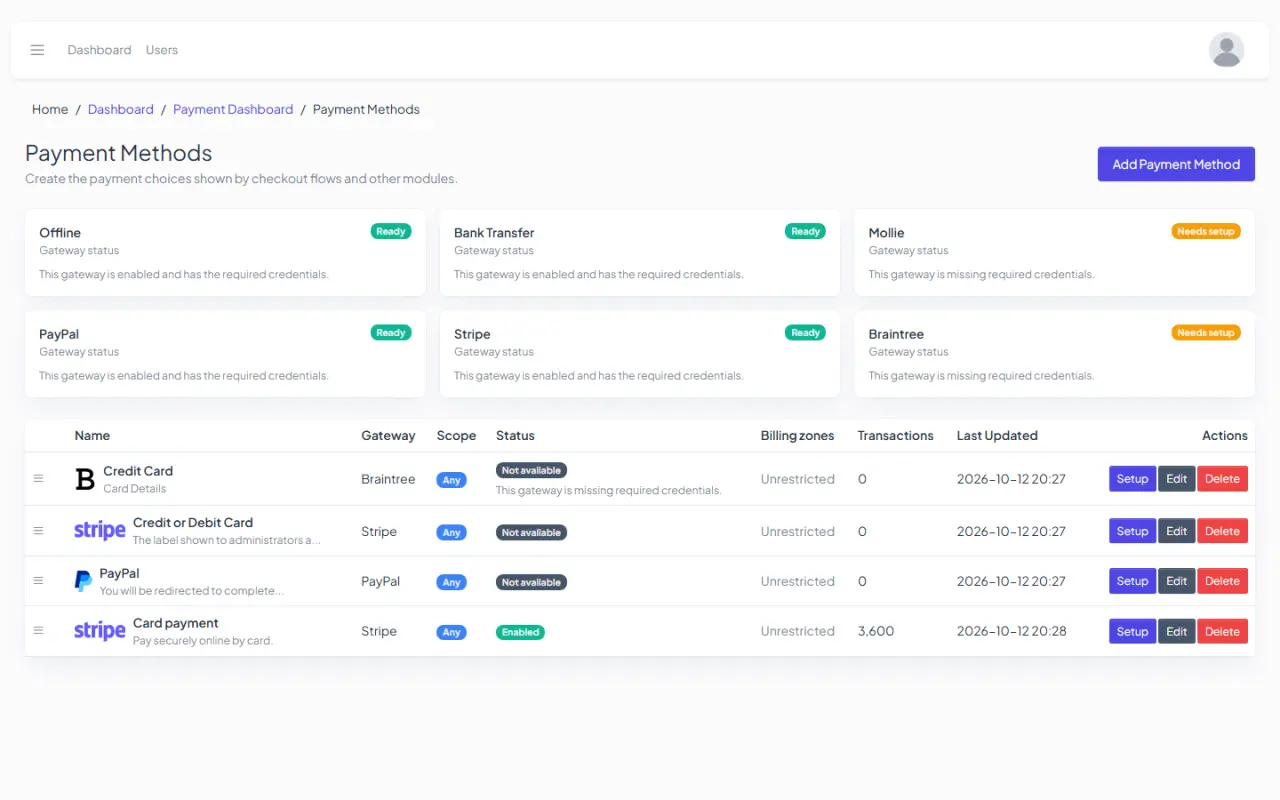
One checkout under Booking and TruCommerce.
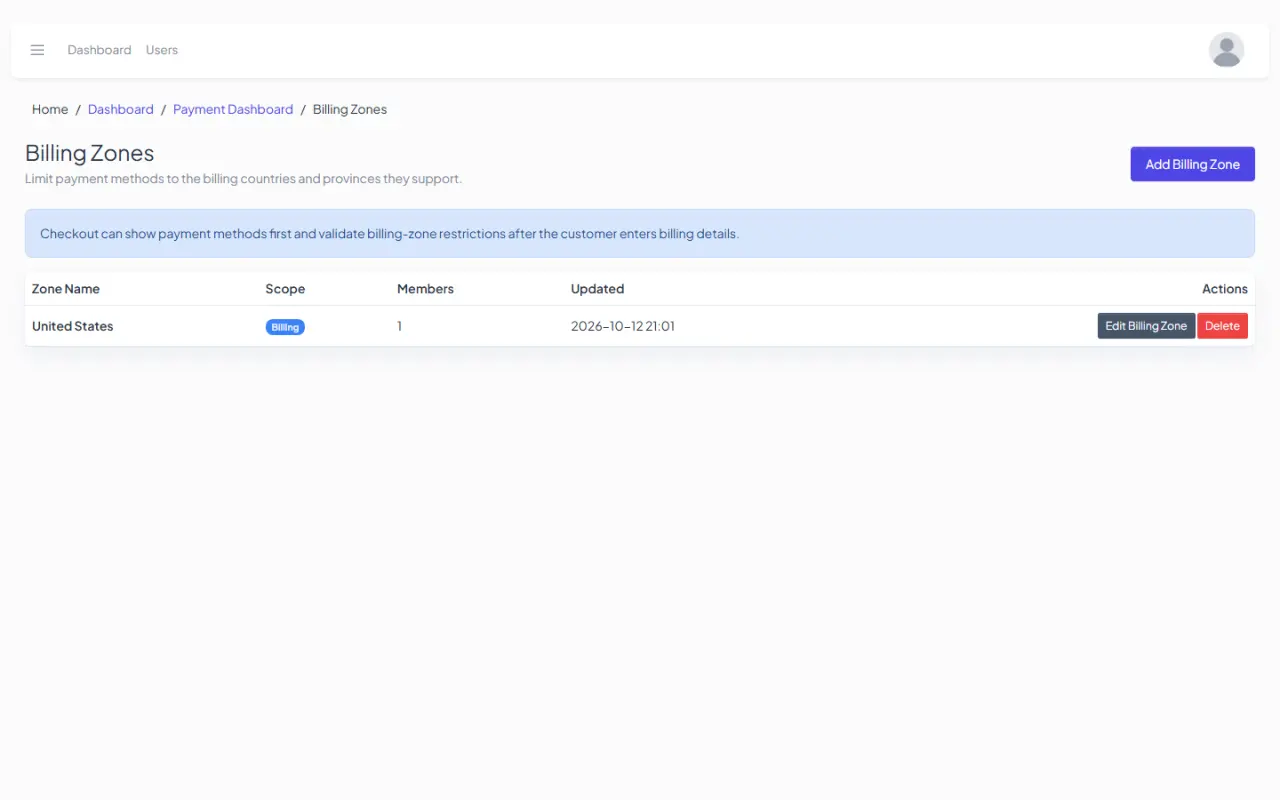
TruPayments comes with every install. Both products take payment through it, so you set gateways up once. Choose which gateways each billing zone sees, and handle refunds in the same admin.
Blog
A blog that's ready to publish.
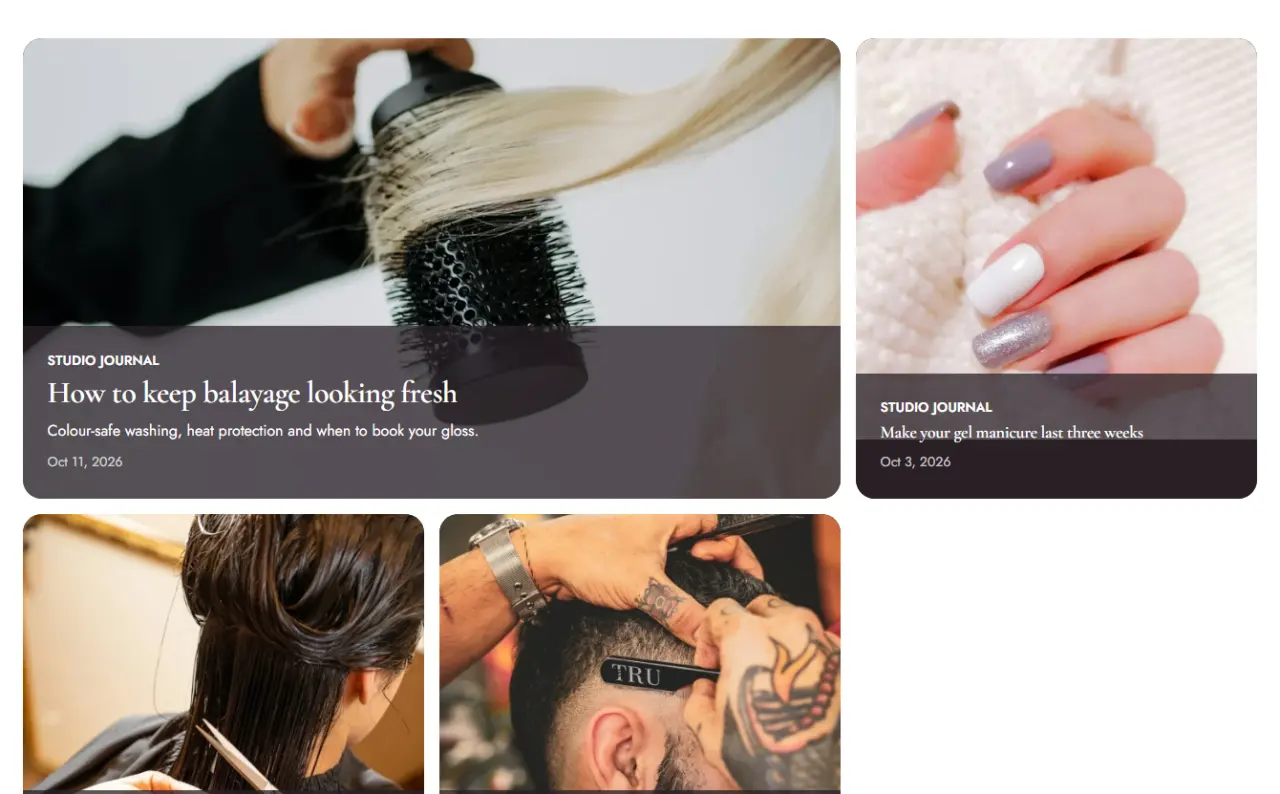
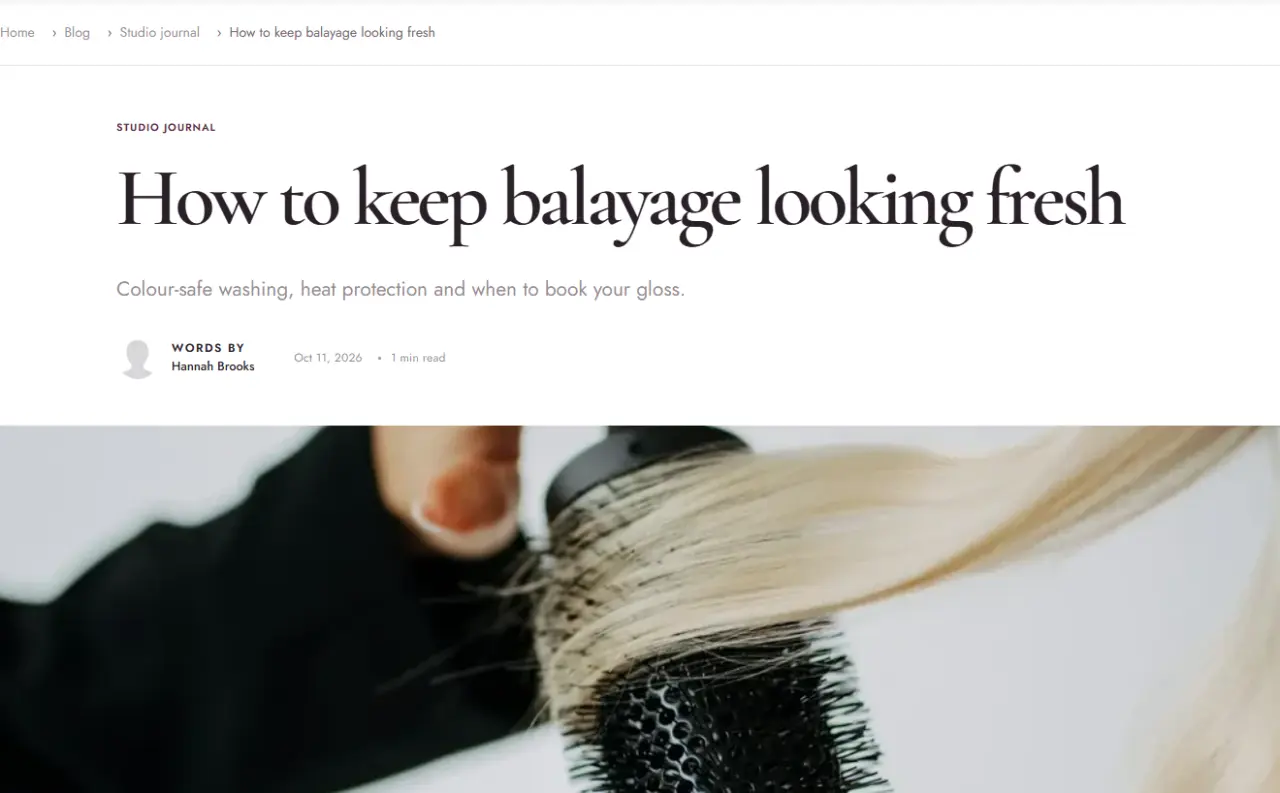
An editorial journal with featured stories, categories, tags, search and threaded comments. Posts are translatable like every other page and follow your theme.
Built in
Everything else a business site needs, already there.
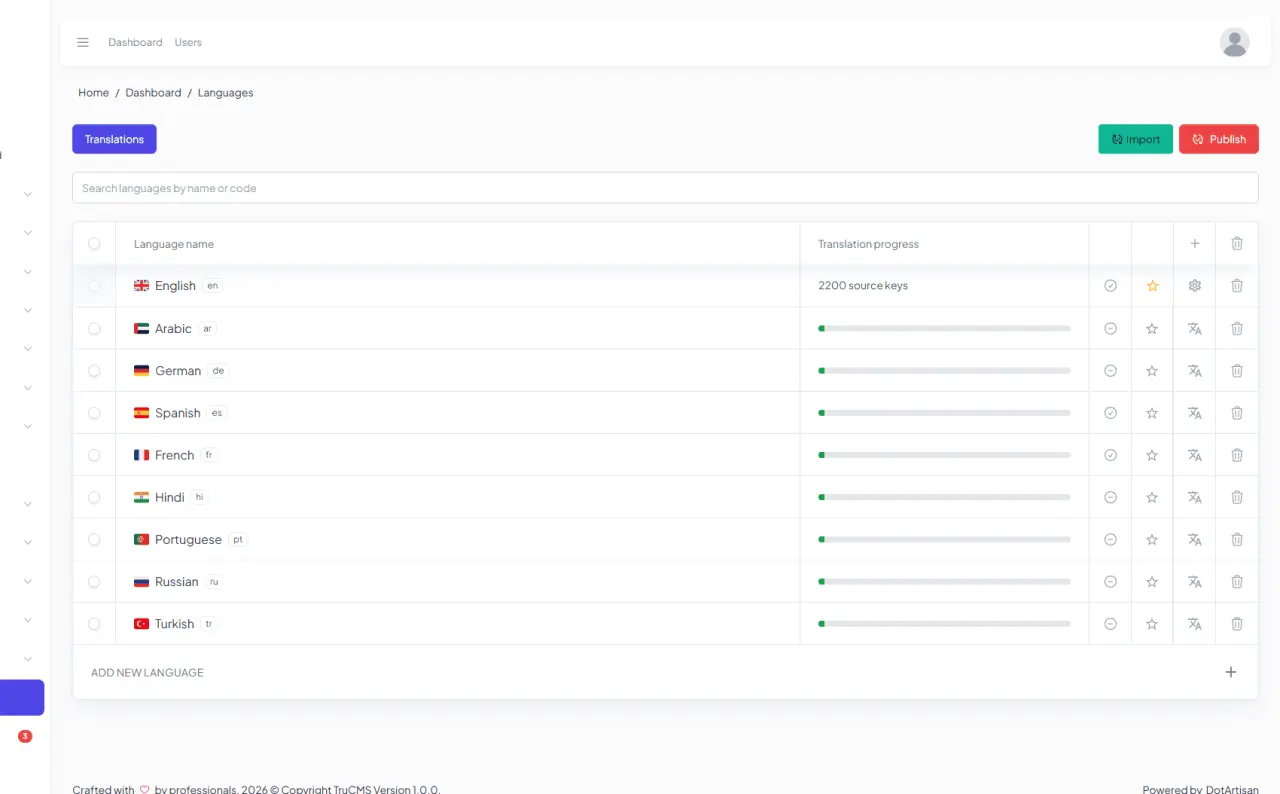
Translate pages, posts, menus and the admin. Each language gets its own URLs, and the translation editor shows what is still missing.
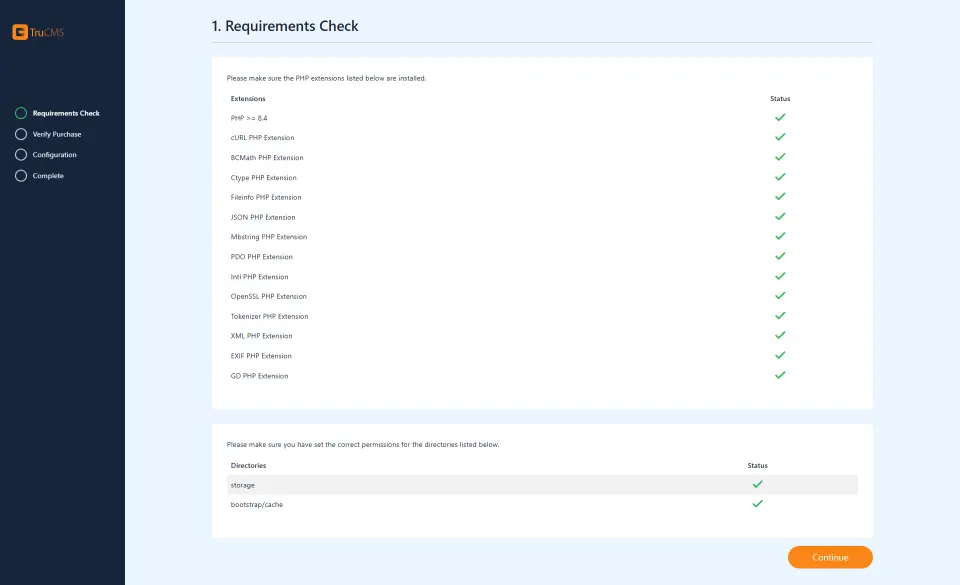
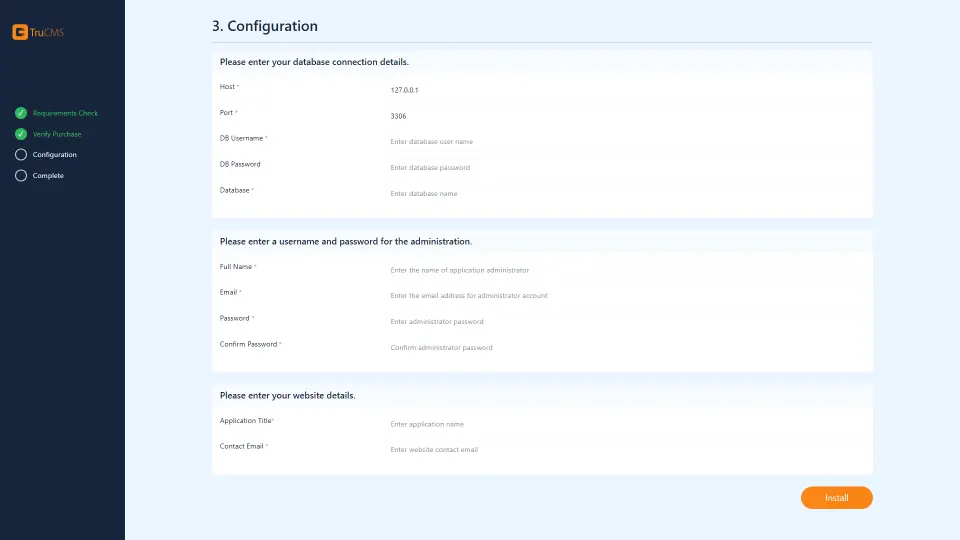
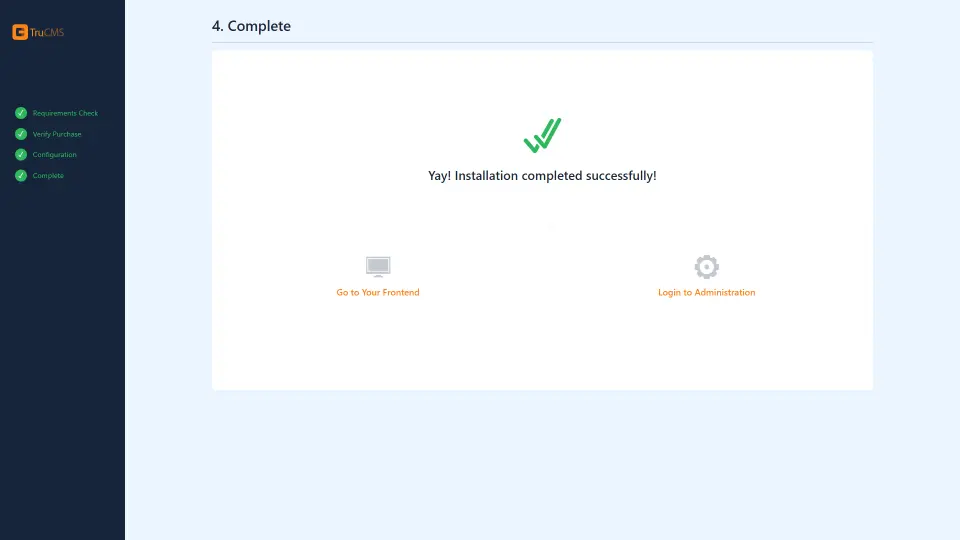
A web installer checks your server, sets up the database and creates your admin account.
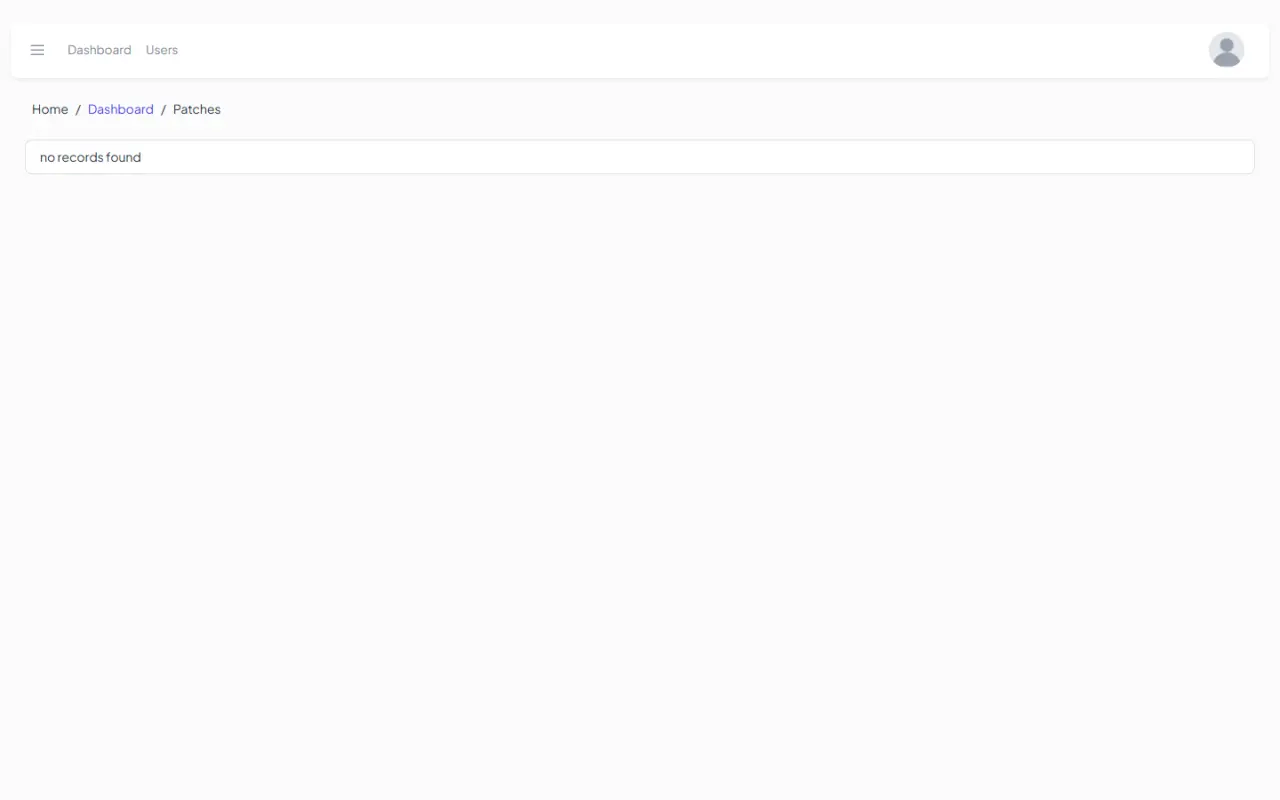
Update from the admin. Small fixes arrive as patches you apply with one click.
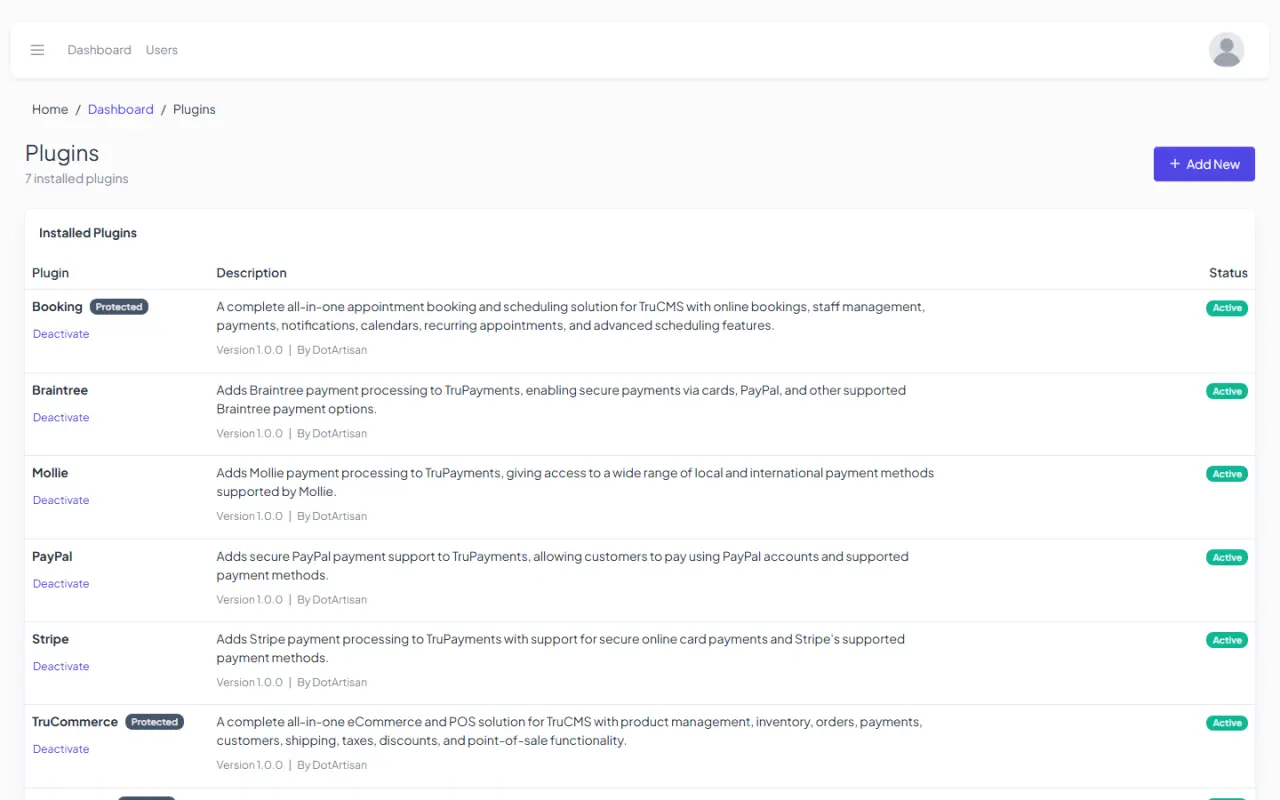
Turn products and payment gateways on or off in the plugin manager.
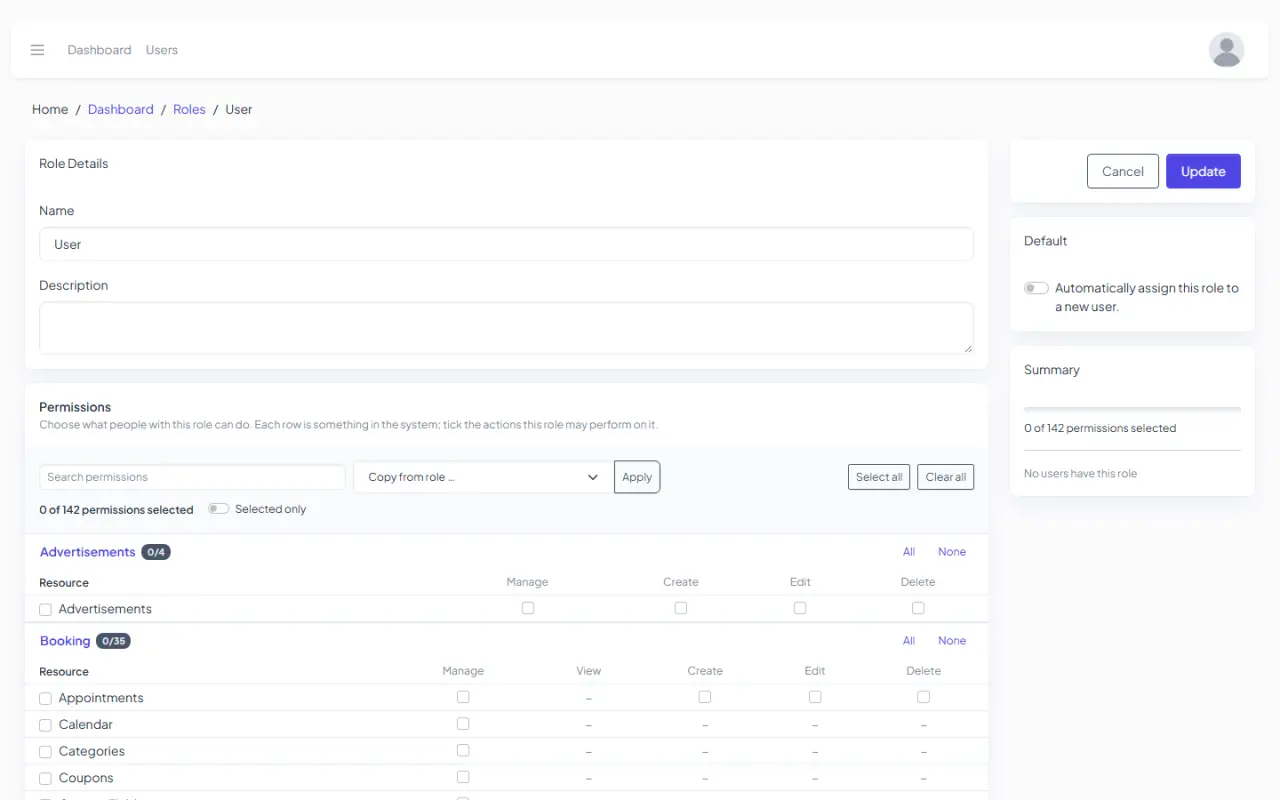
Two-factor sign-in, roles and permissions, reCAPTCHA on forms, email verification and Google or Facebook sign-in.
Meta tags on every page, an XML sitemap, clean URLs, breadcrumbs and search-engine verification.
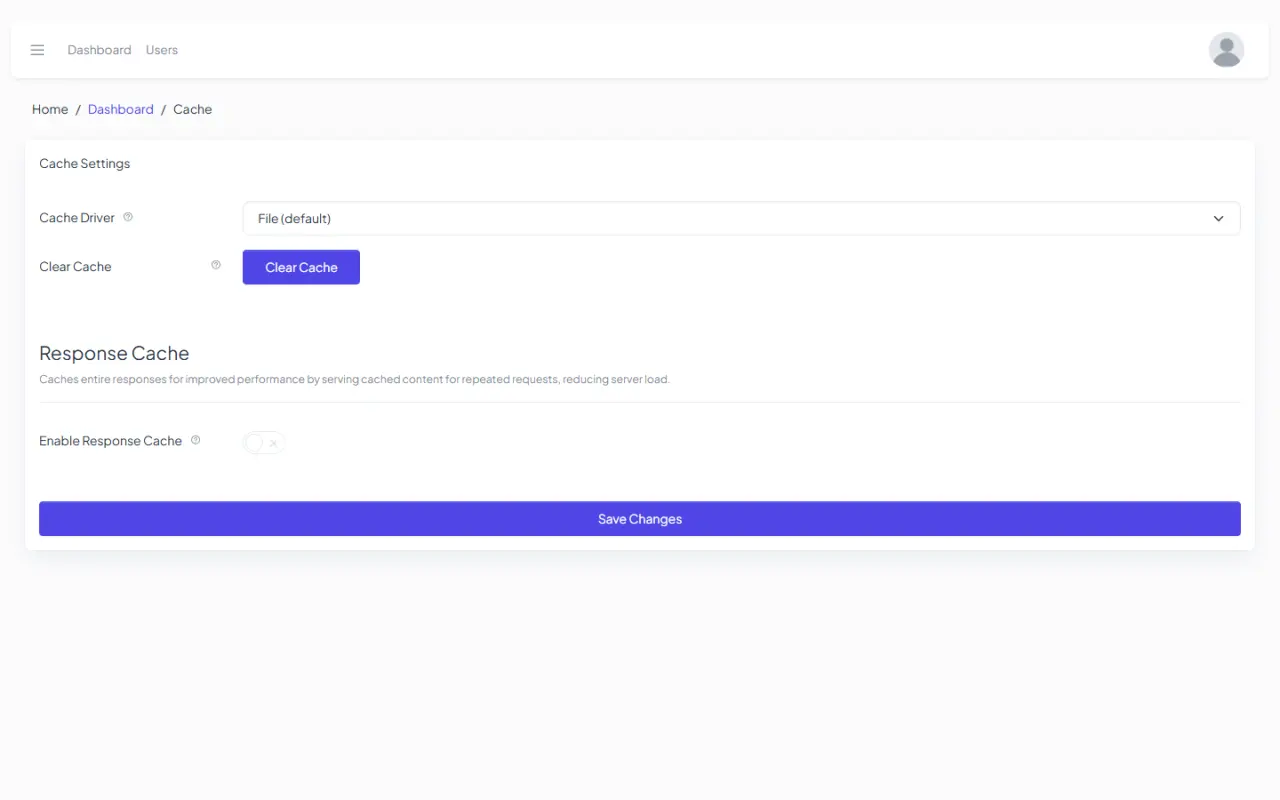
Full-page caching, CDN push, Redis or Memcached for cache and queues, and a compiled theme stylesheet.
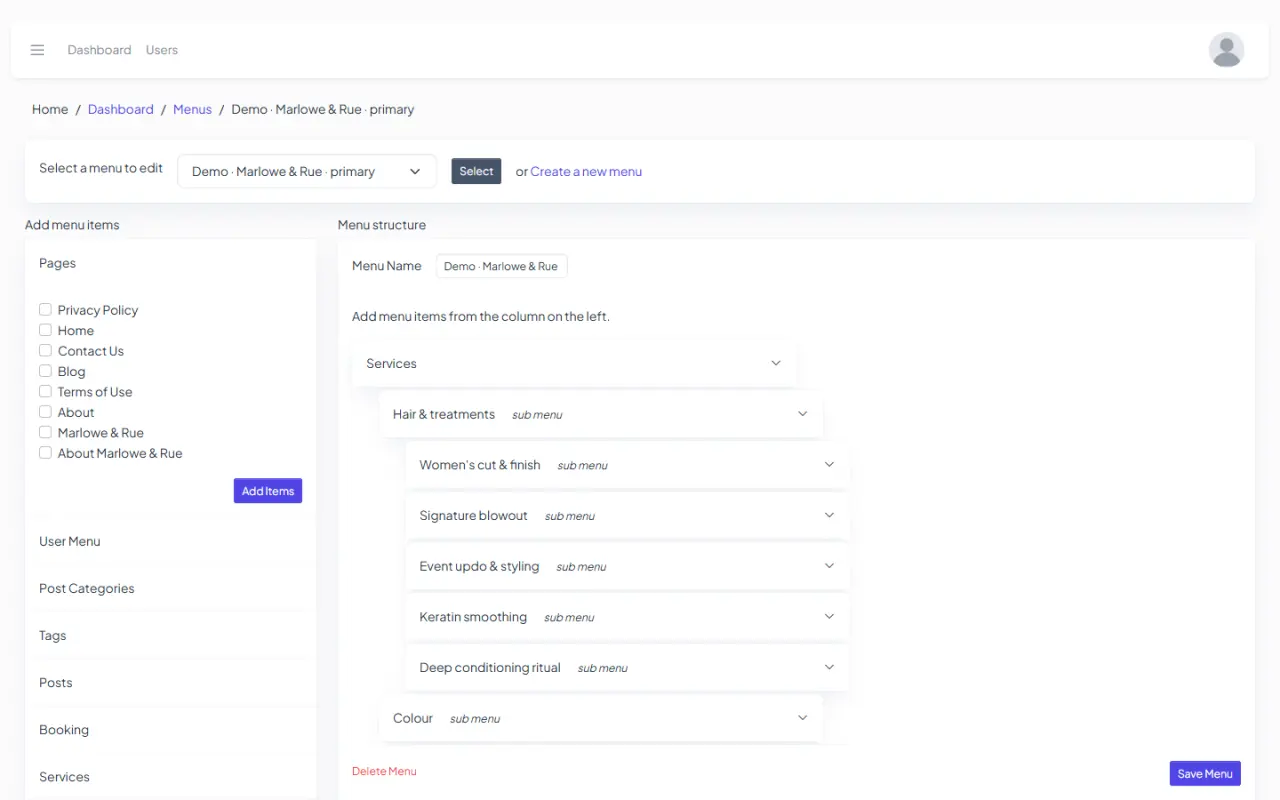
A menu builder with mega menus for every location.
0 complete websites, separate from the template library. Import one with its pages, menus and content in one step; new designs arrive every week.
User accounts, teams, a support ticket desk and a media library on your server, Amazon S3 or Wasabi.
Live demos
0 website templates. New designs every week.
Every demo is a complete website template you can open and click through. Each one resets every night, so try anything.
For developers
Built to extend.
Every product, payment gateway and theme in TruCMS is a self-contained package that plugs into the core. Add your own the same way, without touching the rest of the site.
modules/
  booking/        # appointments, staff, calendars
  trucommerce/    # storefront, POS, orders
  trupayments/    # checkout, refunds, billing zones
  stripe/  paypal/  braintree/  mollie/
themes/
  echo/           # the public theme
  admin/          # the admin theme
Get TruCMS
Pick a demo.
Make it yours.
Get TruCMS, install it on your own server, and start from any template.